A good desk and chair only help if they're set up for you. Small adjustments, such as raising a screen or moving a keyboard closer, can make a big difference to comfort over a working day. Safe Work Australia notes in its workstation infographic that musculoskeletal disorders are Australia's leading cause of workers' compensation claims, and that a safe workstation setup can help manage the risk. This guide takes you through setting up a workstation step by step.
This guide is general information written in our own words, based on the official sources listed at the end. It isn't health, legal or tax advice. Everyone's body, work and space are different, so if you have pain or a health condition, talk to a health professional, and check tax questions with the ATO or a registered tax agent. We don't sell furniture or recommend particular brands or shops.
The order matters
WorkSafe Victoria advises adjusting computer screens after you've established chair and desk heights. A practical order is:
- chair;
- desk height (or footrest if the desk is fixed);
- keyboard and mouse;
- screen;
- everything else: lighting, phone, documents and cables.
Step 1: The chair
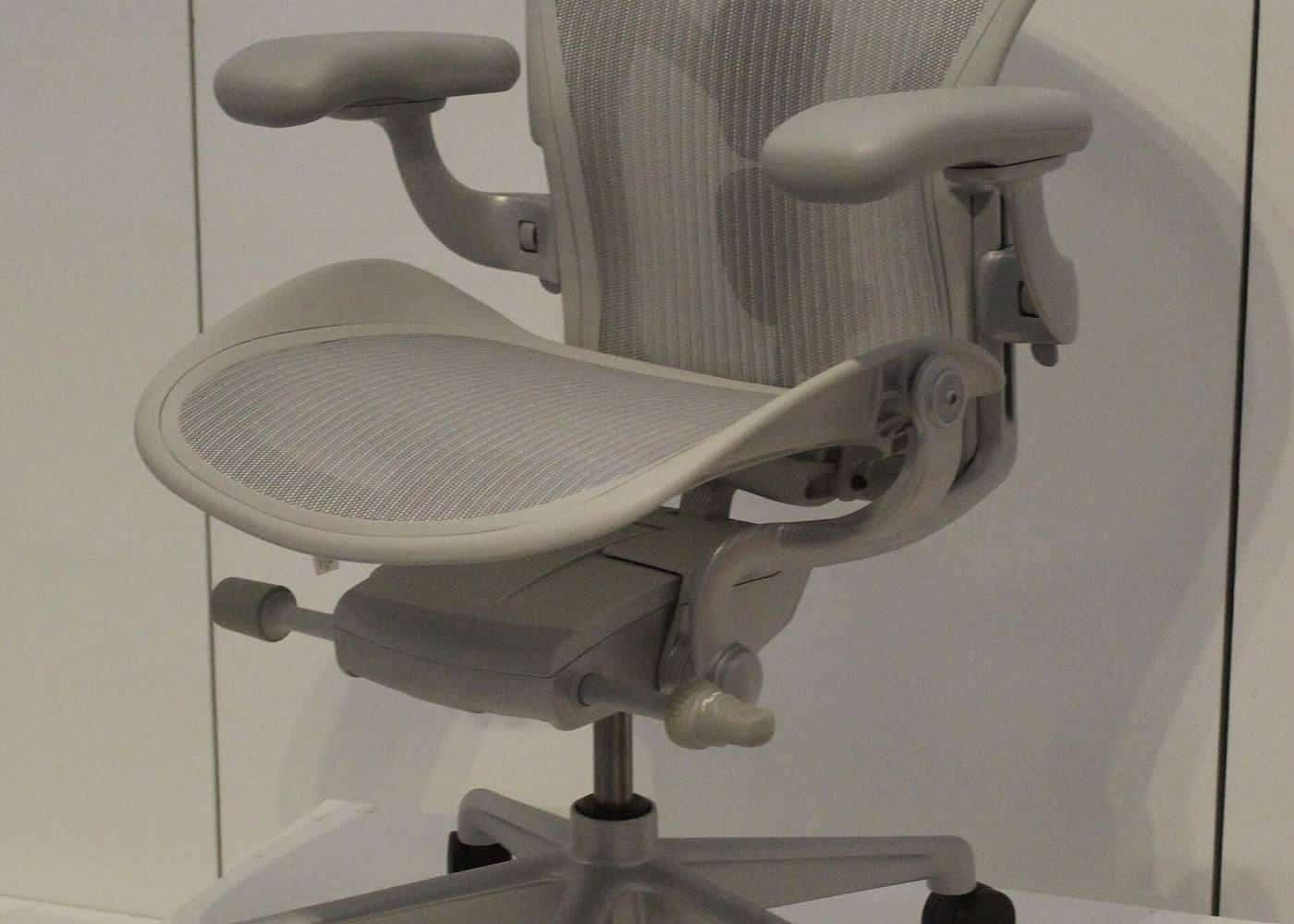
Safe Work Australia's infographic describes a chair with a backrest that supports the lower back and a five-point base. Adjust:
- Seat height, so your feet rest flat on the floor (or a footrest) and your thighs angle slightly down. WorkSafe Victoria's working from home checklist describes knees at about right angles with thighs parallel to the floor.
- Backrest, so it supports the curve of your lower back.
- Seat depth or tilt, if adjustable, so the front edge doesn't press behind your knees.
- Armrests, if fitted, low enough not to stop you moving close to the desk. Safe Work Australia suggests a chair with no armrests or armrests that don't stop the chair moving in close.
See our chairs and footrests guide.
Step 2: The desk
WorkSafe Victoria's checklist says the desk surface should be just below elbow height when seated. Sit with your shoulders relaxed and upper arms by your sides, and bend your elbows. If your desk is adjustable, set it so the surface is just below your elbows. If it's fixed and too high, raise your chair and use a footrest. If it's too low, consider desk risers or a different desk. Our desk height checker can help.
Step 3: Keyboard and mouse
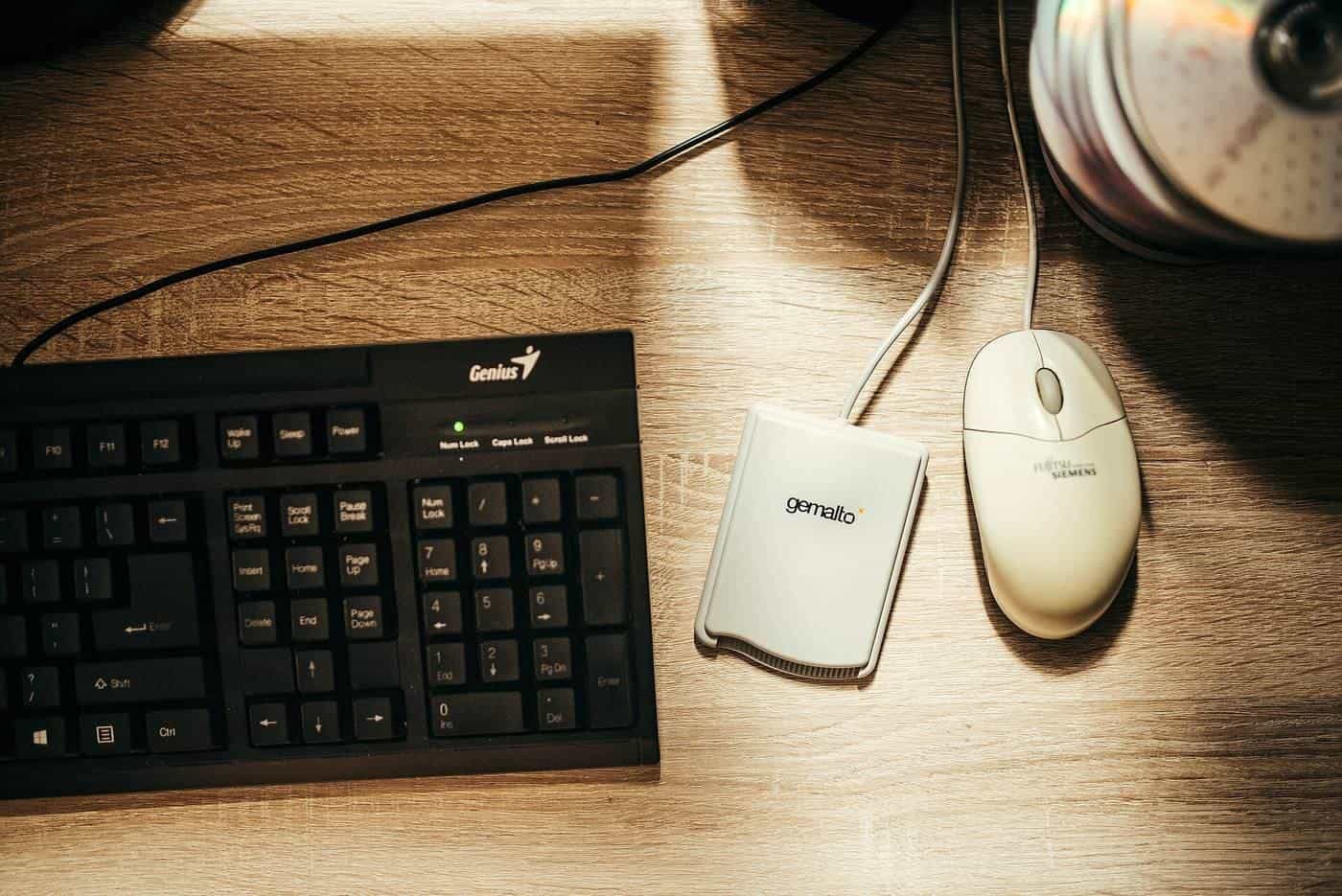
WorkSafe Queensland advises putting the keyboard and mouse on a flat surface, directly in front of you, about 10 to 15 cm from the edge of the desk, so your forearms are supported. Keep the mouse next to and parallel with the keyboard. WorkSafe Victoria suggests keeping keyboard feet adjusted so the keyboard is as flat as possible, and not holding the mouse when you're not using it. Safe Work Australia's infographic describes forearms angled slightly down to the keyboard, with wrists in a neutral position.
Step 4: The screen
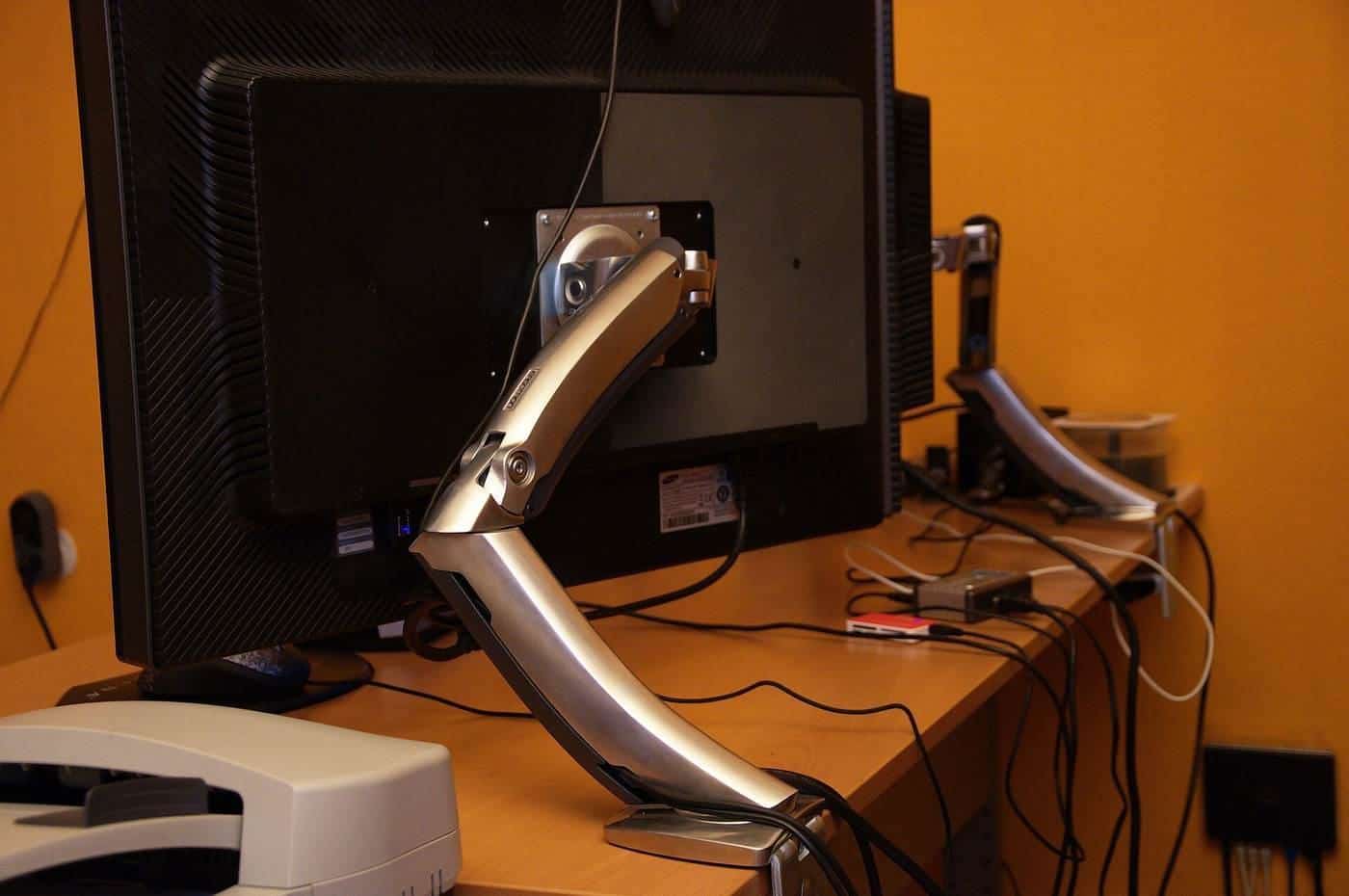
Safe Work Australia's infographic says your eye level should be slightly below the top of the screen (use a stand if needed), with your head in a neutral position, chin parallel to the ground, and the screen about one arm's length away, directly in front. WorkSafe Victoria advises positioning screens to avoid reflections or glare, for example not facing or backing onto windows. See our monitors and laptops guide.
Step 5: Everything else
- Frequently used items within easy reach, as WorkSafe Victoria's checklist suggests.
- Documents: use a document holder beside the screen or between the screen and keyboard if you refer to papers often.
- Phone: use a headset if you're on calls often; Safe Work Australia's infographic notes headsets for frequent phone calls.
- Lighting: suitable for the task with glare minimised.
- Cables: neat and safely stored; power boards not overloaded; equipment in good condition.
- Environment: comfortable temperature and minimal distractions.
Breaks and movement
Even a perfect setup isn't meant for sitting still all day. Safe Work Australia's infographic encourages regular breaks and changing positions frequently. Australia's physical activity guidelines recommend breaking up long periods of sitting as often as possible. See our guide to sitting less.
Shared and hot desks
If you use a different desk each day, take a minute to adjust the chair, desk and screen when you arrive. It's worth it, even for a few hours.
When something still hurts
If you have ongoing discomfort, review your setup, and talk to your employer and a health professional. Employers have duties under work health and safety laws to manage risks, including from workstations, and Safe Work Australia's model Code of Practice says workers must be consulted when carrying out a workstation assessment.
A quick self-check
Sit at your desk and check: feet flat on the floor or a footrest; lower back supported; shoulders relaxed; elbows close to your body and just above the desk; wrists straight; keyboard 10 to 15 cm from the edge; mouse beside it; screen directly ahead about an arm's length away; eye level slightly below the top of the screen; no glare. Fix anything that doesn't match.
Setting up for two people
If two people share a workstation, adjust the chair, desk and screen each time. Sit-stand desks with memory presets and monitor arms make this quick. A footrest can help the shorter person if the desk is fixed. Label settings or keep a note of each person's preferred heights.
Try the desk height checker
Our free desk height checker lets you enter your seated and standing elbow heights, and optionally a desk's lowest and highest settings. It suggests where your desk surface should sit and whether the desk's range covers your heights, using the AS/NZS 4442 ranges that WorkSafe Victoria cites. It runs entirely in your browser, and nothing you enter is sent anywhere.
Where our information comes from
Factual statements in our guides are based on official and authoritative sources, including Safe Work Australia, WorkSafe Victoria, WorkSafe Queensland, the Australian Government Department of Health, the Australian Taxation Office and the ACCC. We link to each source at the end of the page and write everything in our own words. We don't invent statistics, prices or product test results, and we don't rank or review brands.
Everyone is different
Workstation guidance describes general principles that suit most people. Your body, your tasks and your space are unique, and what feels comfortable for one person may not suit another. Use the guidance as a starting point, adjust until you're comfortable and, if you have pain or a health condition, get advice from a health professional such as a physiotherapist or occupational therapist.
Small changes add up
You don't need to replace all your furniture to work more comfortably. Raising a screen, moving a keyboard closer, adding a footrest or standing for phone calls can each make a difference. Start with the change that addresses your biggest discomfort, then review your setup again after a week.
Workplaces and employers
Employers have duties under work health and safety laws to manage risks to workers, including from workstations and from too much sitting or standing, so far as is reasonably practicable. That applies in offices and, in many cases, when people work from home. If your workstation isn't working for you, talk to your manager or health and safety representative.
Corrections and feedback
We review our guides against their sources and show the date each page was last checked. If you notice something out of date or incorrect, such as a change to ATO rates or workplace guidance, please tell us through our contact page. We read every message and correct mistakes promptly.
Key points
- Set up in order: chair, desk, keyboard and mouse, then screen.
- Desk surface just below seated elbow height; use a footrest if needed.
- Keyboard directly in front, about 10 to 15 cm from the desk edge, mouse beside it.
- Screen about an arm's length away, with eye level slightly below the top.
- Take regular breaks and change position frequently.
Frequently asked questions
What order should I set up my workstation in?
WorkSafe Victoria says screens should be adjusted after you've set chair and desk heights. Start with the chair, then the desk, then the keyboard, mouse and screen.
Where should my keyboard go?
Directly in front of you, about 10 to 15 cm from the front edge of the desk, according to WorkSafe Queensland and WorkSafe Victoria.
How high should my monitor be?
Safe Work Australia's infographic says your eye level should be slightly below the top of the screen, with the screen about an arm's length away.
Do I need a footrest?
Use one if your feet can't rest comfortably flat on the floor after adjusting your chair, as WorkSafe Queensland advises.
Sources and further reading
Facts on this page were checked against these primary and official sources. Conditions change — confirm before you travel or buy.
- Setting up your workstation (infographic) — Safe Work Australia
- Setting up your workstation — WorkSafe Queensland
- Setting up a workstation and working with computers (checklist) — WorkSafe Victoria
- Office health and safety: working with computers, printers and telephones — WorkSafe Victoria
- Model Code of Practice: Managing the work environment and facilities — Safe Work Australia