Walk into any furniture store or browse online and you'll find dozens of desk styles, from slim writing desks to electric sit-stand workstations with memory buttons. The right one depends on the work you do, how long you sit at it each day, your body size and the space you have. This guide explains the main types of office desk and what each is good for, drawing on workplace health and safety guidance from Safe Work Australia, WorkSafe Victoria and WorkSafe Queensland.
This guide is general information written in our own words, based on the official sources listed at the end. It isn't health, legal or tax advice. Everyone's body, work and space are different, so if you have pain or a health condition, talk to a health professional, and check tax questions with the ATO or a registered tax agent. We don't sell furniture or recommend particular brands or shops.
Start with the work you do
WorkSafe Victoria describes the core parts of an office workstation as a desk, a chair and the equipment people use for their tasks, such as screens, keyboard, mouse, phone or headset. Safe Work Australia's model Code of Practice on managing the work environment says workstations must suit the person and the task, and that different workers need different working heights. So before you choose a desk, think about:
- Tasks. Mostly screen work? Lots of paperwork or drawing? Video calls? Several monitors?
- Time. An hour or two a day, or a full working day?
- Users. Just you, or several people of different heights?
- Space. A dedicated room, a corner of the living area or a shared office?
Fixed-height desks
A fixed-height desk is the traditional option: four legs or a panel base, and a top at a set height. They're simple, sturdy and usually cheaper. The downside is that one height doesn't suit everyone. WorkSafe Victoria's workstation checklist says the desk surface should be just below elbow height when seated, and that if the desk can't be adjusted, you may need to raise your chair and use a footrest to get there. For taller people, a standard fixed desk may be too low.
Height-adjustable (sit-stand) desks
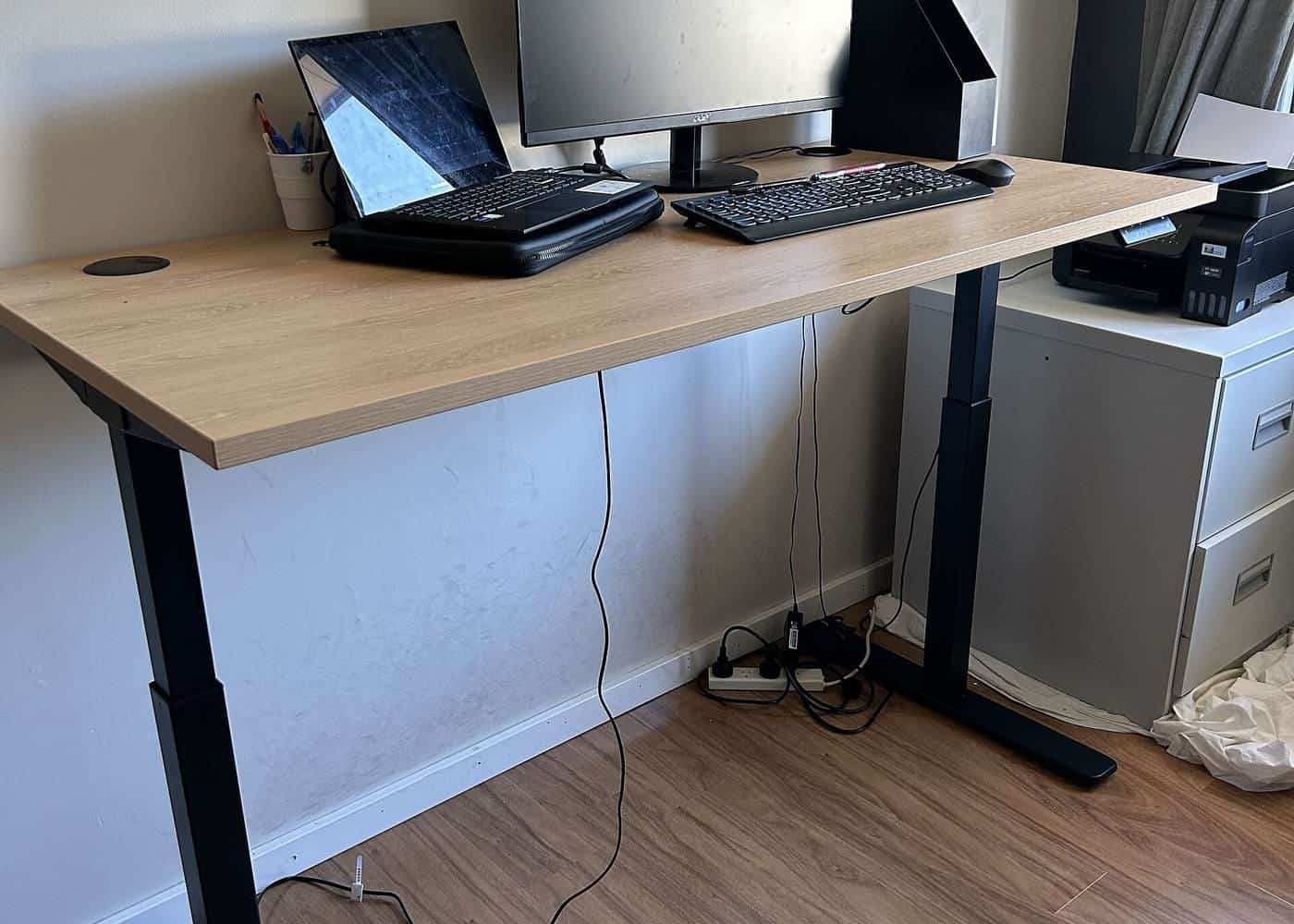
Height-adjustable desks let you raise and lower the work surface. WorkSafe Victoria describes freestanding height-adjustable desks as letting users position work at the most comfortable height, and notes that electric adjustment is the most appropriate where desks are shared, because the adjustment mechanism shouldn't create a manual handling risk. Types include:
- Electric desks, with one or two motors and buttons to raise and lower the top. Many have memory presets.
- Crank (manual wind) desks, adjusted with a handle. Cheaper, but slower to adjust, so people tend to change height less often.
- Fixed-step desks, adjusted with pins or clamps when the desk is empty. Good for setting the right height once, but not for switching between sitting and standing.
See our sit-stand desk guide.
Desk converters and risers
A desk converter (or sit-stand platform) sits on top of an existing desk and lifts your monitor and keyboard. They're popular when you can't replace a desk, such as in a rented office. WorkSafe Victoria notes some limitations: some platforms are only large enough for one monitor, some lift the screen away from the user as they rise, some don't rise high enough, and some can be awkward to adjust. Check the weight capacity, the height range and whether the keyboard and screen can be positioned separately.
Corner and L-shaped desks
Corner and L-shaped desks fit into a corner and give a large work surface, useful for a computer on one side and paperwork on the other. Check that the section where you'll use your keyboard and screen is deep enough. WorkSafe Victoria's checklist asks whether the desk is deep enough to place the screen at about arm's length. Some corner desks are designed with a curved front for sitting in the corner; others expect you to use one wing for the computer.
Writing desks and compact desks
Writing desks, secretary desks and compact desks are designed for small spaces. They can work well for laptops and occasional use, but they're often shallow, so it can be hard to place a monitor at arm's length and the keyboard 10 to 15 cm from the edge, as WorkSafe Victoria and WorkSafe Queensland suggest. Many compact desks also have drawers or crossbars under the top that limit leg room. See our small spaces guide.
Benching and team desks
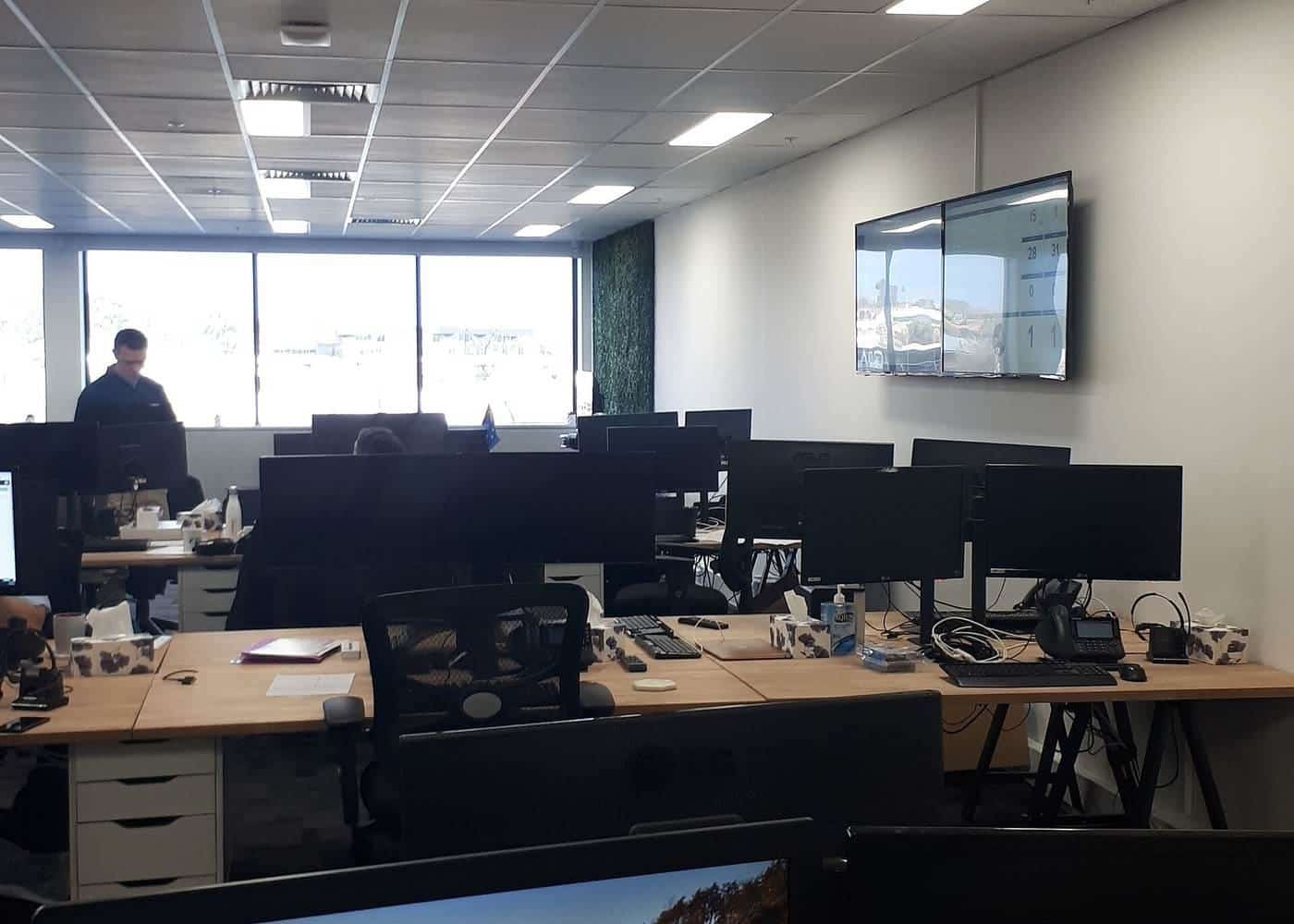
In shared offices, benching systems put several workstations along one long frame. They save space and make cabling easier, but every position has the same height unless the system is height-adjustable. Where several people of different heights use the same desk, WorkSafe Victoria's guidance on adjustable workstations is especially relevant.
Executive and traditional desks
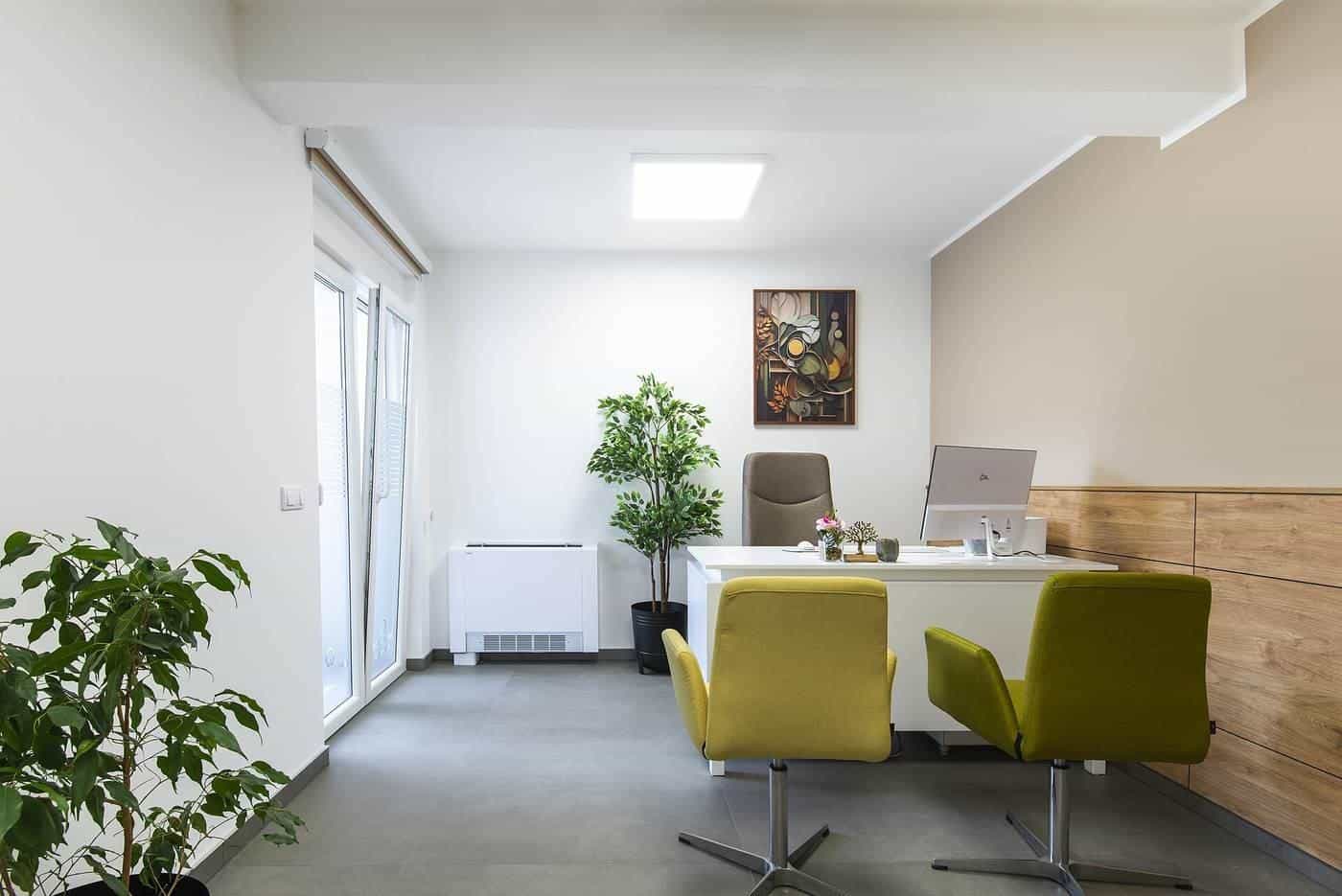
Large timber executive desks and antique desks can be beautiful, but they're often built for writing rather than screen work. Check the height, the leg room and whether drawers or modesty panels get in the way of your knees.
Comparing the types
When comparing desks, focus on:
- height and adjustment range;
- depth, so your screen can sit at about arm's length;
- width, for your equipment and paperwork;
- leg room, with nothing under the top that blocks your knees;
- stability, especially for tall sit-stand desks at full height;
- rounded edges and corners, which WorkSafe Victoria's checklist mentions.
Our desk size guide covers dimensions in more detail.
Matching desk types to common situations
Full-time office worker at home: an electric sit-stand desk or a well-fitted fixed desk with an adjustable chair. Occasional laptop user in an apartment: a compact or wall desk, with a laptop stand and separate keyboard. Two people sharing a desk: a height-adjustable desk with memory presets. Lots of paperwork or drawing: a wider or L-shaped desk with the screen still directly in front. Student: a desk that can grow with them, with an adjustable chair and footrest.
Questions to ask before buying
What is the lowest and highest height? How deep is the top, and how much clear space is under it? What is the weight capacity? Is the frame stable at full height? What warranty applies to the frame, motors and top? Are spare parts available? Who assembles it, and what are the delivery terms? A clear answer to each makes comparing desks much easier.
Try the desk height checker
Our free desk height checker lets you enter your seated and standing elbow heights, and optionally a desk's lowest and highest settings. It suggests where your desk surface should sit and whether the desk's range covers your heights, using the AS/NZS 4442 ranges that WorkSafe Victoria cites. It runs entirely in your browser, and nothing you enter is sent anywhere.
Where our information comes from
Factual statements in our guides are based on official and authoritative sources, including Safe Work Australia, WorkSafe Victoria, WorkSafe Queensland, the Australian Government Department of Health, the Australian Taxation Office and the ACCC. We link to each source at the end of the page and write everything in our own words. We don't invent statistics, prices or product test results, and we don't rank or review brands.
Everyone is different
Workstation guidance describes general principles that suit most people. Your body, your tasks and your space are unique, and what feels comfortable for one person may not suit another. Use the guidance as a starting point, adjust until you're comfortable and, if you have pain or a health condition, get advice from a health professional such as a physiotherapist or occupational therapist.
Key points
- Choose a desk that suits your tasks, your body and your space.
- Fixed desks need to be just below seated elbow height; adjust your chair and use a footrest if needed.
- Sit-stand desks make it easier to change posture; electric models are easiest to adjust.
- Desk converters suit existing desks but can have limits on size and height.
- Check depth, leg room, stability and rounded edges.
Frequently asked questions
What is the best type of office desk?
It depends on your work, your body and your space. WorkSafe Victoria notes that desks should suit the person and the task, and that height-adjustable desks suit people of different sizes.
Is a sit-stand desk better than a fixed desk?
A sit-stand desk makes it easier to change posture during the day, which Safe Work Australia and WorkSafe Queensland encourage. A fixed desk at the right height, with an adjustable chair and footrest, can still work well.
What is a desk converter?
A unit that sits on top of an existing desk and raises your screen and keyboard. WorkSafe Victoria notes some can be awkward to adjust, may only fit one monitor and may not rise high enough.
Are L-shaped desks good for computer work?
They give extra surface for paperwork and equipment, but make sure your main screen and keyboard are directly in front of you, not in the corner join, unless the desk is designed for that.
Sources and further reading
Facts on this page were checked against these primary and official sources. Conditions change — confirm before you travel or buy.
- Office health and safety: office layout and design — WorkSafe Victoria
- Sitting and standing — Safe Work Australia
- Setting up your workstation — WorkSafe Queensland
- Model Code of Practice: Managing the work environment and facilities — Safe Work Australia