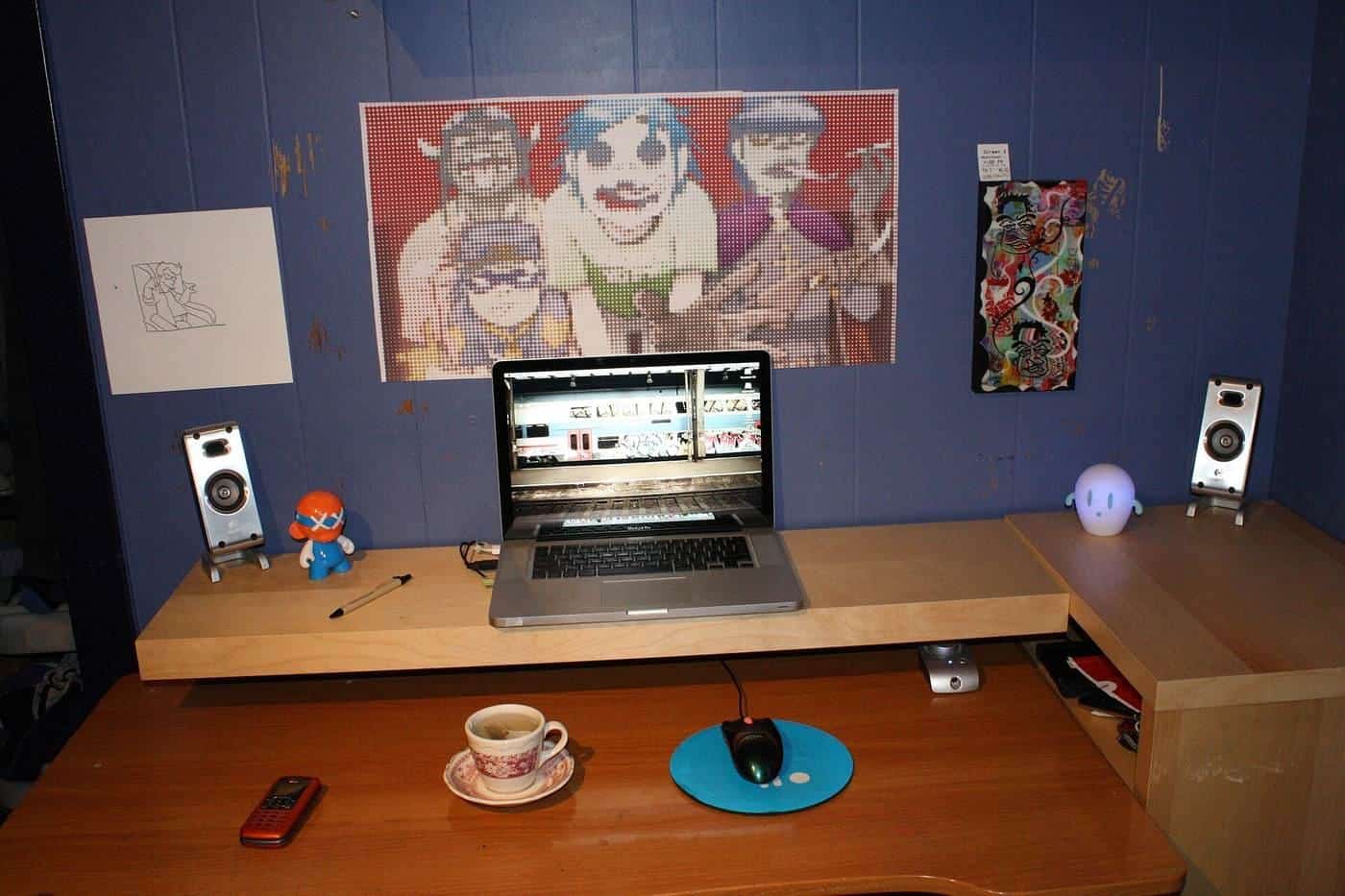
Not everyone has a spare room for an office. Many people work from a corner of the bedroom, a nook in the living room or a hallway alcove. Small spaces need smart choices, but the basics of a good workstation still apply. This guide explains how to fit a workable desk into a small space without compromising comfort or safety.
This guide is general information written in our own words, based on the official sources listed at the end. It isn't health, legal or tax advice. Everyone's body, work and space are different, so if you have pain or a health condition, talk to a health professional, and check tax questions with the ATO or a registered tax agent. We don't sell furniture or recommend particular brands or shops.
Know the minimums that matter
In a small space, the temptation is to buy the smallest desk. Before you do, check the requirements that matter for comfort:
- Height: the surface just below seated elbow height, as WorkSafe Victoria advises, or a chair and footrest that achieve that.
- Depth: enough to place a screen at about arm's length, with the keyboard about 10 to 15 cm from the front edge, as WorkSafe Queensland and WorkSafe Victoria suggest.
- Leg room: clear space under the desk to sit facing forward and get in and out, as WorkSafe Victoria's checklist asks.
A very shallow desk often forces you to sit too close to the screen or push the keyboard to the edge.
Ways to gain depth
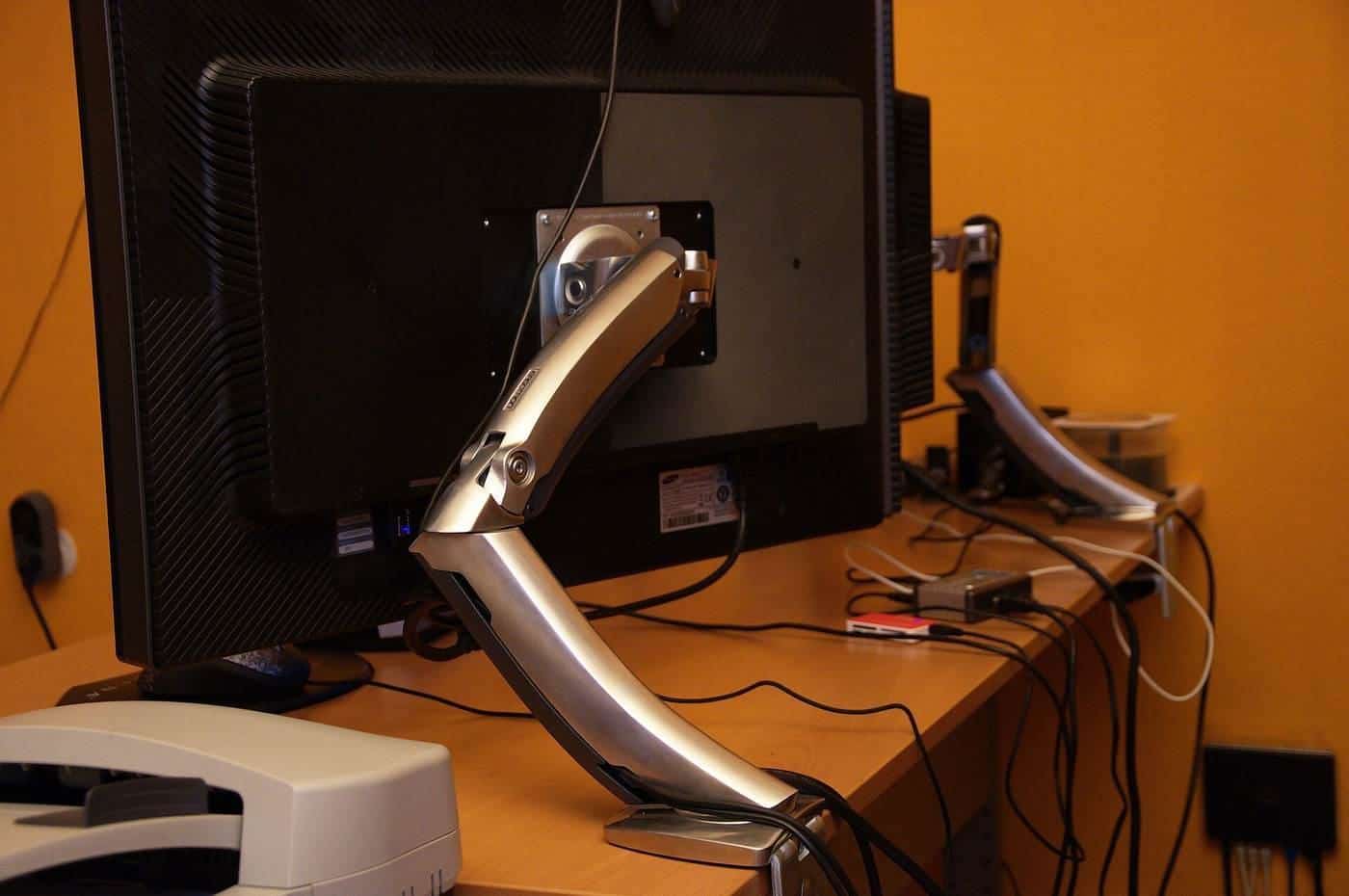
- Monitor arm. Clamping the screen on an arm lets it hover at the back edge or beyond, freeing desk space.
- Wall-mounted screen. In a fixed setup, a wall bracket at the right height can do the same.
- Laptop stand plus keyboard. A stand raises the screen and the keyboard sits in front, as WorkSafe Queensland suggests.
- Corner desk. Sitting into a corner gives more depth in the middle.
Compact desk types
Wall-mounted and fold-down desks. Save floor space and fold away. Fix them securely into studs or masonry, and check the height and depth before installing.
Ladder desks and shelving desks. Combine a desk with shelves above. They're often shallow and lean against the wall, so anchor them.
Narrow writing desks. Good for laptops and occasional work. Check depth and leg room.
Compact sit-stand desks. Smaller-frame electric desks are available. Check the height range and stability.
Storage without losing leg room
WorkSafe Victoria's checklist asks whether files, bins and drawers are stored so they don't take up space under the desk. In small spaces, use vertical storage: shelves above the desk, wall organisers and narrow cabinets beside the desk. Keep frequently used items within easy reach.
Anchor tall furniture
Shelving units, hutches and bookcases can topple, especially if children climb them. The ACCC advises anchoring freestanding furniture that can topple to the wall or floor, buying an anchoring kit if one isn't supplied, and keeping heavy items low. If you rent, ask your landlord about fixing furniture to the wall.
Sharing a room
When your office is in a bedroom or living area, a few things help:
- a desk you can tidy away or screen off at the end of the day, to separate work and home;
- headphones for calls;
- lighting that works for both uses, such as a desk lamp.
Chairs in small spaces
A compact office chair is still better than a dining chair for long periods. Look for one without bulky armrests, so it tucks under the desk, with height and backrest adjustment.
Laptop-only setups
If space only allows a laptop, a folding laptop stand and a compact keyboard and mouse can be packed away after work. WorkSafe Victoria's working from home checklist notes laptops aren't recommended for prolonged use without a stand.
Renters
If you rent, check your lease before drilling into walls. Freestanding desks with monitor arms that clamp to the desk avoid wall fixings. For tall shelving, ask your landlord about anchoring; some state rental laws allow tenants to make minor modifications for safety, so check the rules where you live.
Lighting a small space
In a small room, a desk lamp with an adjustable arm lights paperwork without glare on the screen. Position it on the opposite side from your writing hand to avoid shadows. Avoid placing the desk so a bright window is directly behind or in front of your screen.
Try the desk height checker
Our free desk height checker lets you enter your seated and standing elbow heights, and optionally a desk's lowest and highest settings. It suggests where your desk surface should sit and whether the desk's range covers your heights, using the AS/NZS 4442 ranges that WorkSafe Victoria cites. It runs entirely in your browser, and nothing you enter is sent anywhere.
Where our information comes from
Factual statements in our guides are based on official and authoritative sources, including Safe Work Australia, WorkSafe Victoria, WorkSafe Queensland, the Australian Government Department of Health, the Australian Taxation Office and the ACCC. We link to each source at the end of the page and write everything in our own words. We don't invent statistics, prices or product test results, and we don't rank or review brands.
Everyone is different
Workstation guidance describes general principles that suit most people. Your body, your tasks and your space are unique, and what feels comfortable for one person may not suit another. Use the guidance as a starting point, adjust until you're comfortable and, if you have pain or a health condition, get advice from a health professional such as a physiotherapist or occupational therapist.
Small changes add up
You don't need to replace all your furniture to work more comfortably. Raising a screen, moving a keyboard closer, adding a footrest or standing for phone calls can each make a difference. Start with the change that addresses your biggest discomfort, then review your setup again after a week.
Workplaces and employers
Employers have duties under work health and safety laws to manage risks to workers, including from workstations and from too much sitting or standing, so far as is reasonably practicable. That applies in offices and, in many cases, when people work from home. If your workstation isn't working for you, talk to your manager or health and safety representative.
Corrections and feedback
We review our guides against their sources and show the date each page was last checked. If you notice something out of date or incorrect, such as a change to ATO rates or workplace guidance, please tell us through our contact page. We read every message and correct mistakes promptly.
About this site
Office Desks is an independent information site. We aren't a furniture retailer, manufacturer, ergonomist, government agency or tax adviser, and we don't sell furniture or recommend particular brands or shops. Our guides are general information, not health, legal or tax advice.
A short glossary
Sit-stand desk: a desk whose height can be raised and lowered so you can work sitting or standing. Desk converter: a platform on top of a desk that raises the screen and keyboard. Footrest: a stable, sloped platform for your feet when they don't reach the floor comfortably. Five-point base: a chair base with five castors or glides, the most stable design. Monitor arm: an adjustable bracket that holds a screen above the desk. AS/NZS 4442: the Australian and New Zealand standard for office desks, which WorkSafe Victoria cites for desk height ranges. Decline in value: the ATO term for claiming the cost of an asset over its effective life.
Key points
- Don't compromise on height, depth and leg room, even in a small space.
- Monitor arms, wall brackets and laptop stands free up desk depth.
- Fix wall desks securely and anchor tall shelving to prevent tip-overs.
- Use vertical storage to keep leg room clear.
- A compact adjustable chair beats a dining chair for long periods.
Frequently asked questions
What is the minimum desk depth for a monitor?
Enough to place the screen at about arm's length with the keyboard 10 to 15 cm from the edge. A monitor arm can free up depth on a shallow desk.
Are wall-mounted desks a good idea?
They save space, but check they're fixed securely into studs or masonry, are at the right height for you and have enough depth for your equipment.
Can I use a laptop on a small desk?
Yes, ideally on a stand with a separate keyboard and mouse, as WorkSafe Victoria and WorkSafe Queensland suggest.
How do I store things safely in a small office?
Use storage that keeps leg room clear, keep heavy items low and anchor tall shelving, as the ACCC recommends for furniture that can topple.
Sources and further reading
Facts on this page were checked against these primary and official sources. Conditions change — confirm before you travel or buy.
- Setting up a workstation and working with computers (checklist) — WorkSafe Victoria
- Setting up your workstation — WorkSafe Queensland
- Working from home safety and wellbeing checklist — WorkSafe Victoria
- Toppling furniture and televisions guide — ACCC Product Safety Australia