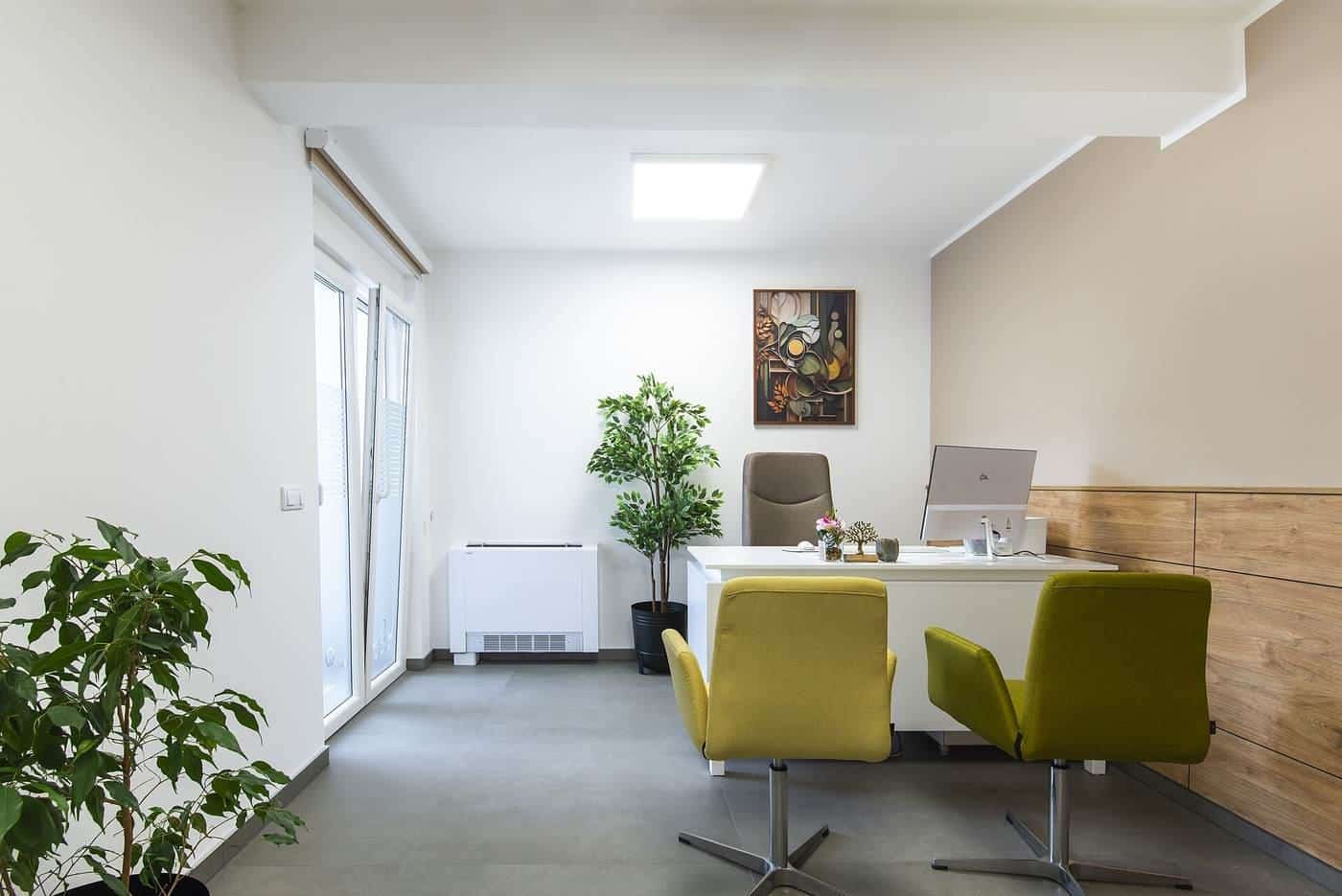
It's easy to choose a desk on looks and discover later that it's too shallow for your monitor, too low for your height or too narrow for your paperwork. Workplace safety guidance gives practical pointers on desk height, depth and leg room. This guide explains how to work out the dimensions you need.
This guide is general information written in our own words, based on the official sources listed at the end. It isn't health, legal or tax advice. Everyone's body, work and space are different, so if you have pain or a health condition, talk to a health professional, and check tax questions with the ATO or a registered tax agent. We don't sell furniture or recommend particular brands or shops.
Height
WorkSafe Victoria's workstation checklist says the desk height should be adjusted so the surface sits just below elbow height when you're seated. If the desk isn't adjustable, the surface should still end up just below elbow height, for example by raising your chair slightly and using a footrest.
WorkSafe Victoria also explains that AS/NZS 4442:2018 recommends a range of adjustment for seated tasks of at least 225 mm, from 620 to 845 mm in height, and a range of 620 to 1200 mm for the primary worktop of a sit-to-stand workstation. These ranges are designed to cover most people. If you're particularly tall or short, check carefully that a desk adjusts to your height. Our desk height checker helps.
Depth
Depth determines how far away your screen can be. Safe Work Australia's workstation infographic says the screen should be about one arm's length away and directly in front of you. WorkSafe Victoria's checklist asks whether the desk is deep enough to place the screen at approximately arm's length.
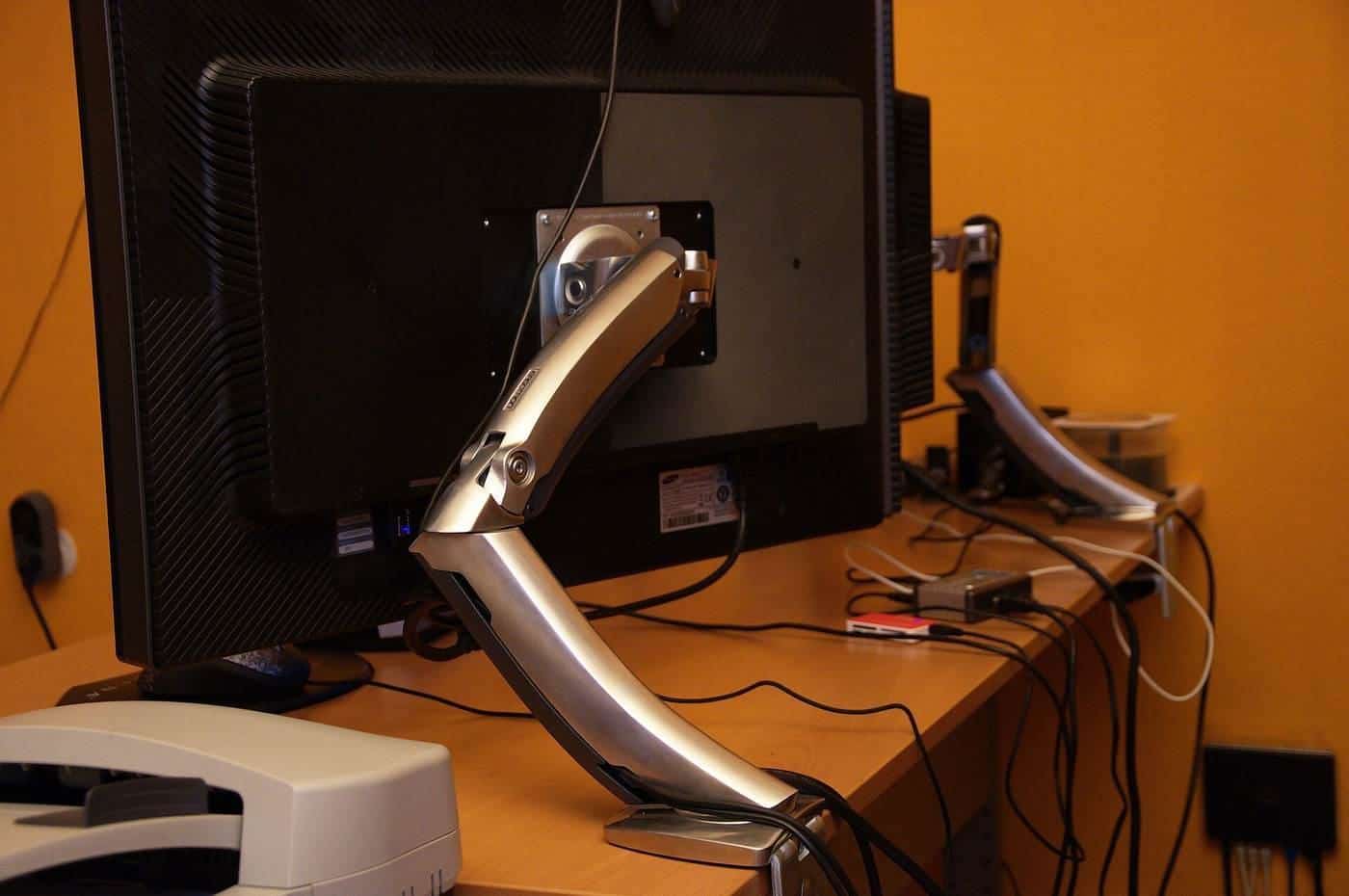
You also need room in front of the keyboard. WorkSafe Queensland and WorkSafe Victoria suggest placing the keyboard about 10 to 15 cm from the front edge of the desk, giving your forearms and wrists support. Add the depth of your keyboard and the distance to your screen, and a shallow desk soon runs out of room. Large or multiple monitors may need a deeper desk; WorkSafe Victoria notes deeper desks help place multiple monitors at a longer working distance. A monitor arm can also help by freeing desk space.
Width
Width depends on your equipment and tasks. List what needs to be on the desk:
- screens, and whether you use one or two;
- laptop, docking station or computer;
- keyboard, mouse and any document holder;
- phone, headset, lamp;
- space to write or spread out paperwork.
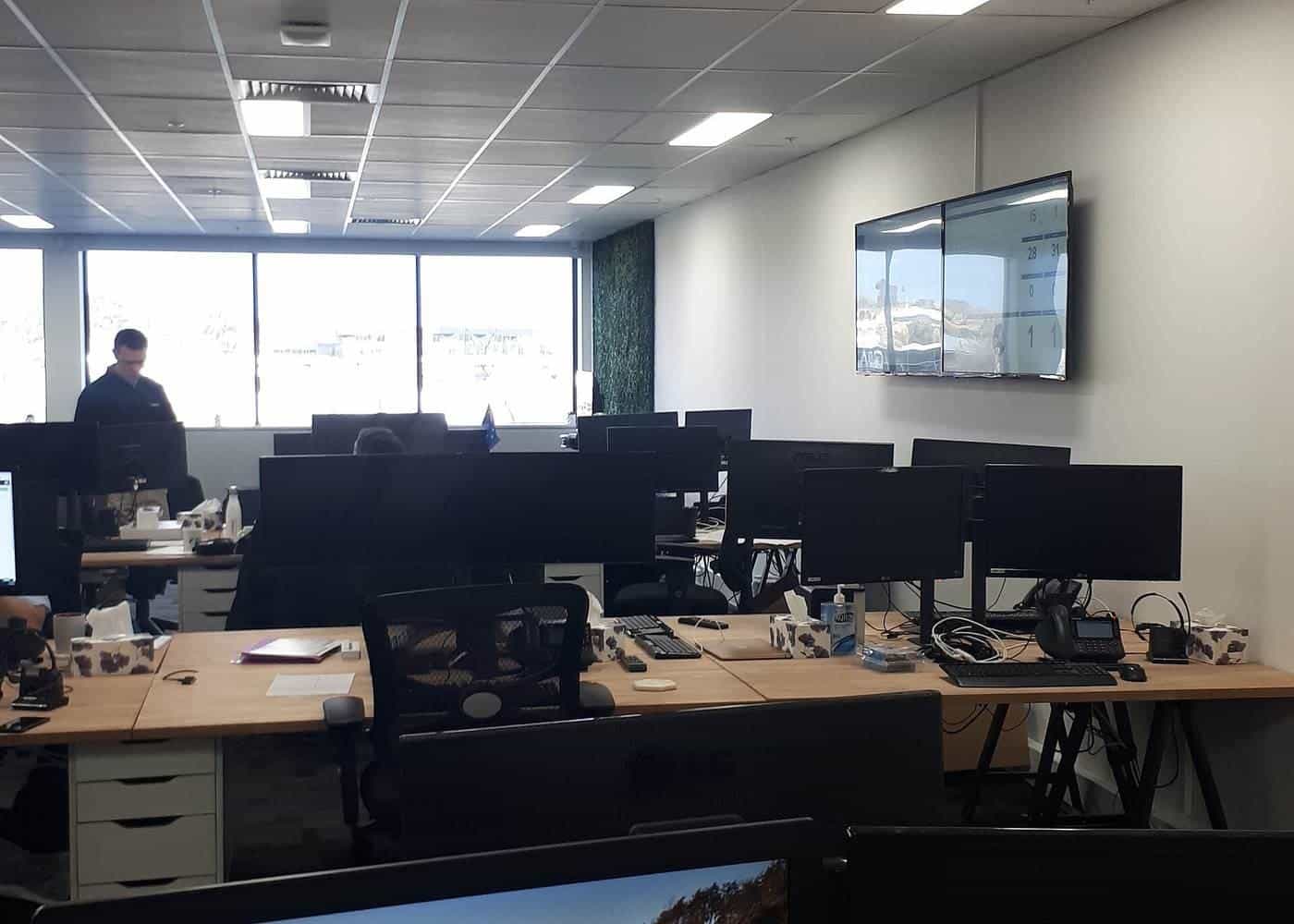
WorkSafe Victoria's checklist asks whether the desk is large enough for the job and whether frequently used items are within easy reach. WorkSafe Queensland says a sit-stand desk should accommodate all required equipment, such as two monitors, a keyboard and a place to write.
Leg room
Leg room is often overlooked. WorkSafe Victoria's checklist asks whether there's adequate space under the desk for a comfortable forward-facing posture and getting in and out, and whether items such as files, bins and drawers are stored so they don't take up that space. It also suggests avoiding keyboard shelves under the desk. When comparing desks, check the clearance under any crossbars, drawers or modesty panels, and make sure your chair can move in close. Safe Work Australia's infographic notes armrests shouldn't stop your chair moving close to the desk.
Edges and corners
WorkSafe Victoria's checklist asks whether desk corners and under-desk surfaces are rounded, smooth and free of sharp edges. Rounded front edges are also more comfortable for your forearms.
Space around the desk
Allow room to pull your chair out, stand up and move around. Safe Work Australia's model Code of Practice on managing the work environment covers space requirements in workplaces generally. At home, think about doors, walkways, power points, windows and glare. WorkSafe Victoria advises positioning screens to avoid reflections from windows and lights, for example not facing or backing onto windows.
Measuring up
Before buying:
- Measure the space, including doors, skirting boards and power points.
- Measure your seated and standing elbow heights.
- Measure your equipment, especially monitor width and stand depth.
- Check the desk's height, width, depth and under-desk clearance.
- Check the delivery route: stairs, lifts and doorways.
Shared desks
If several people share a desk, such as in hot-desking offices or a family home office, an adjustable desk lets each person set the right height. WorkSafe Victoria notes workstations should be easily adjustable to suit people of different sizes.
Common size mistakes
The most common mistakes are buying a desk too shallow for a monitor, too low for a tall user, with drawers that block knees, or too large for the room once the chair is pulled out. Measuring the room, your body and your equipment first avoids most of these. If in doubt, choose depth over width: a deeper desk usually makes a bigger difference to comfort.
Desks for children and students
Children grow quickly, so an adjustable desk and chair make sense for study spaces. The same principles apply: surface just below elbow height when seated, feet supported on the floor or a footrest, screen at about arm's length and leg room clear. Check settings each school term as children grow.
Try the desk height checker
Our free desk height checker lets you enter your seated and standing elbow heights, and optionally a desk's lowest and highest settings. It suggests where your desk surface should sit and whether the desk's range covers your heights, using the AS/NZS 4442 ranges that WorkSafe Victoria cites. It runs entirely in your browser, and nothing you enter is sent anywhere.
Where our information comes from
Factual statements in our guides are based on official and authoritative sources, including Safe Work Australia, WorkSafe Victoria, WorkSafe Queensland, the Australian Government Department of Health, the Australian Taxation Office and the ACCC. We link to each source at the end of the page and write everything in our own words. We don't invent statistics, prices or product test results, and we don't rank or review brands.
Everyone is different
Workstation guidance describes general principles that suit most people. Your body, your tasks and your space are unique, and what feels comfortable for one person may not suit another. Use the guidance as a starting point, adjust until you're comfortable and, if you have pain or a health condition, get advice from a health professional such as a physiotherapist or occupational therapist.
Small changes add up
You don't need to replace all your furniture to work more comfortably. Raising a screen, moving a keyboard closer, adding a footrest or standing for phone calls can each make a difference. Start with the change that addresses your biggest discomfort, then review your setup again after a week.
Workplaces and employers
Employers have duties under work health and safety laws to manage risks to workers, including from workstations and from too much sitting or standing, so far as is reasonably practicable. That applies in offices and, in many cases, when people work from home. If your workstation isn't working for you, talk to your manager or health and safety representative.
Corrections and feedback
We review our guides against their sources and show the date each page was last checked. If you notice something out of date or incorrect, such as a change to ATO rates or workplace guidance, please tell us through our contact page. We read every message and correct mistakes promptly.
About this site
Office Desks is an independent information site. We aren't a furniture retailer, manufacturer, ergonomist, government agency or tax adviser, and we don't sell furniture or recommend particular brands or shops. Our guides are general information, not health, legal or tax advice.
Key points
- Desk surface just below seated elbow height; use a footrest if you raise the chair.
- AS/NZS 4442 recommends seated adjustment from 620 to 845 mm and sit-stand from 620 to 1200 mm.
- Depth should allow your screen at about arm's length and keyboard 10 to 15 cm from the edge.
- Keep leg room clear of drawers, files and keyboard trays.
- Measure your space, body and equipment before buying.
Frequently asked questions
How deep should an office desk be?
Deep enough to place your screen at about arm's length, as WorkSafe Victoria and Safe Work Australia suggest, with the keyboard 10 to 15 cm from the front edge.
What height should a fixed desk be?
WorkSafe Victoria says the desk surface should be set just below elbow height when seated. AS/NZS 4442 recommends a seated adjustment range of at least 620 to 845 mm, according to WorkSafe Victoria.
How much leg room do I need?
Enough to sit facing forward comfortably and get in and out easily, with no drawers, keyboard trays or storage blocking your knees, as WorkSafe Victoria's checklist suggests.
How wide should a desk be for two monitors?
Wide enough for both screens to sit in front of you with your main screen directly ahead, plus room for writing. Measure your monitors and add space for other tasks.
Sources and further reading
Facts on this page were checked against these primary and official sources. Conditions change — confirm before you travel or buy.
- Setting up a workstation and working with computers (checklist) — WorkSafe Victoria
- Office health and safety: office layout and design — WorkSafe Victoria
- Office health and safety: working with computers, printers and telephones — WorkSafe Victoria
- Setting up your workstation (infographic) — Safe Work Australia
- Setting up your workstation — WorkSafe Queensland