Working from home is now a regular part of working life for many Australians, whether full-time, a few days a week or occasionally. A comfortable, safe home office makes those days more productive and less tiring. This guide gives a practical checklist, based on WorkSafe Victoria's working from home safety and wellbeing checklist and Safe Work Australia's workstation guidance.
This guide is general information written in our own words, based on the official sources listed at the end. It isn't health, legal or tax advice. Everyone's body, work and space are different, so if you have pain or a health condition, talk to a health professional, and check tax questions with the ATO or a registered tax agent. We don't sell furniture or recommend particular brands or shops.
Choosing a spot
Safe Work Australia's workstation infographic describes a dedicated workspace with minimal distractions, a comfortable temperature, and suitable lighting with glare minimised. When choosing a spot, consider:
- Light. Natural light is pleasant, but WorkSafe Victoria advises positioning the monitor perpendicular to windows to avoid glare.
- Noise and interruptions. A door you can close helps for calls.
- Power and internet. Enough power points nearby, so you don't need long extension leads across walkways.
- Space. Room to pull out your chair and move around.
- Temperature. Somewhere you can heat and cool comfortably.
The desk
WorkSafe Victoria's working from home checklist asks whether the work surface is adequate for the tasks, similar to the workspace you'd use at the office; whether the desk is at a suitable height; and whether there's adequate leg room with no clutter. See our guides to desk types and desk sizes.
The chair
The checklist suggests a chair with adjustable seat height, seat tilt and backrest, a five-point base for stability and adequate lumbar support. Dining chairs rarely adjust, so a proper office chair is one of the most worthwhile home office purchases. See our chairs guide.
Screen, keyboard and mouse
The checklist suggests:
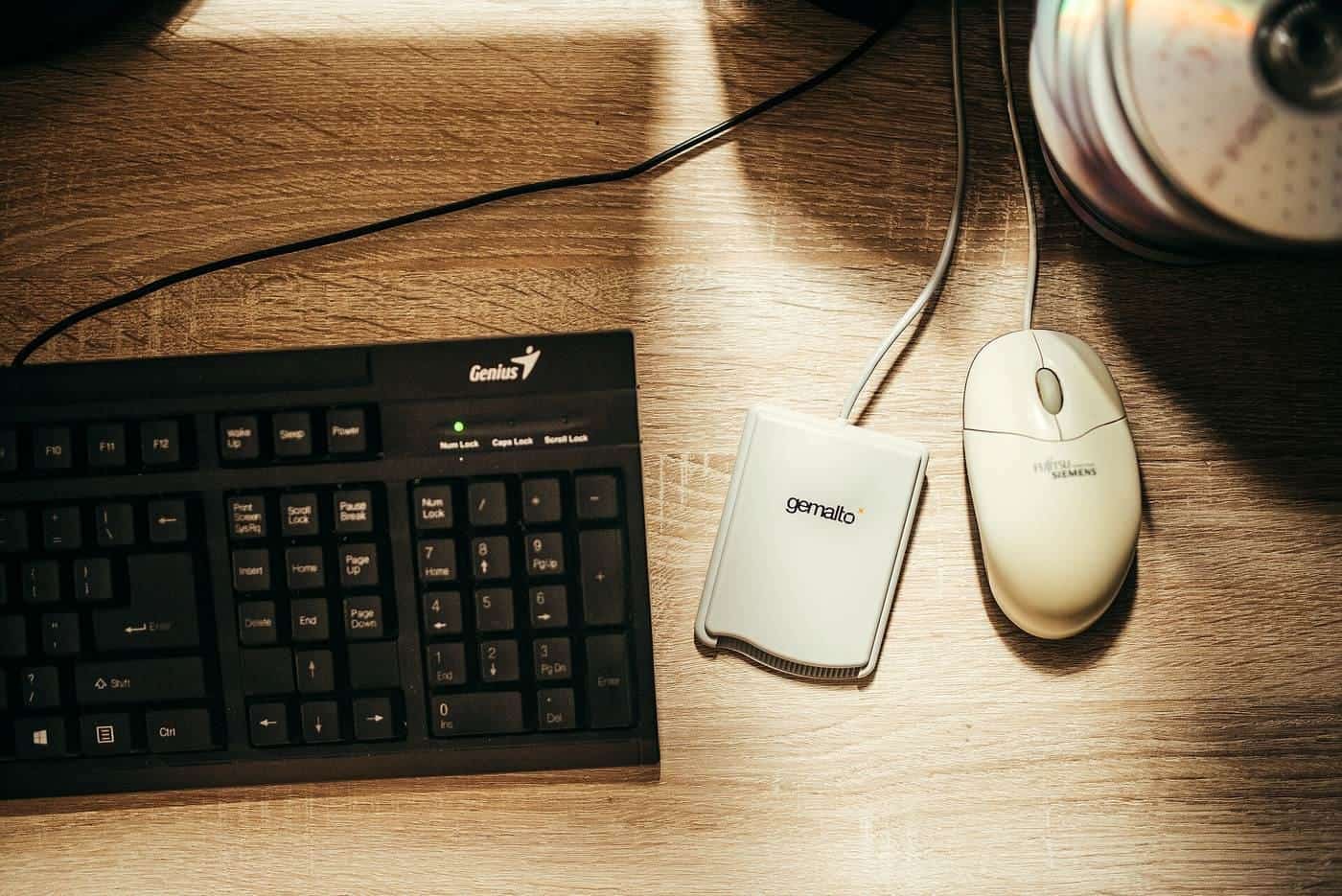
- keyboard flat and in front of the screen, at a distance that lets you relax your shoulders with elbows close to your body;
- mouse directly next to the keyboard, at the same level;
- monitor top level with or slightly lower than eye level, about an arm's length away, and positioned to avoid glare.
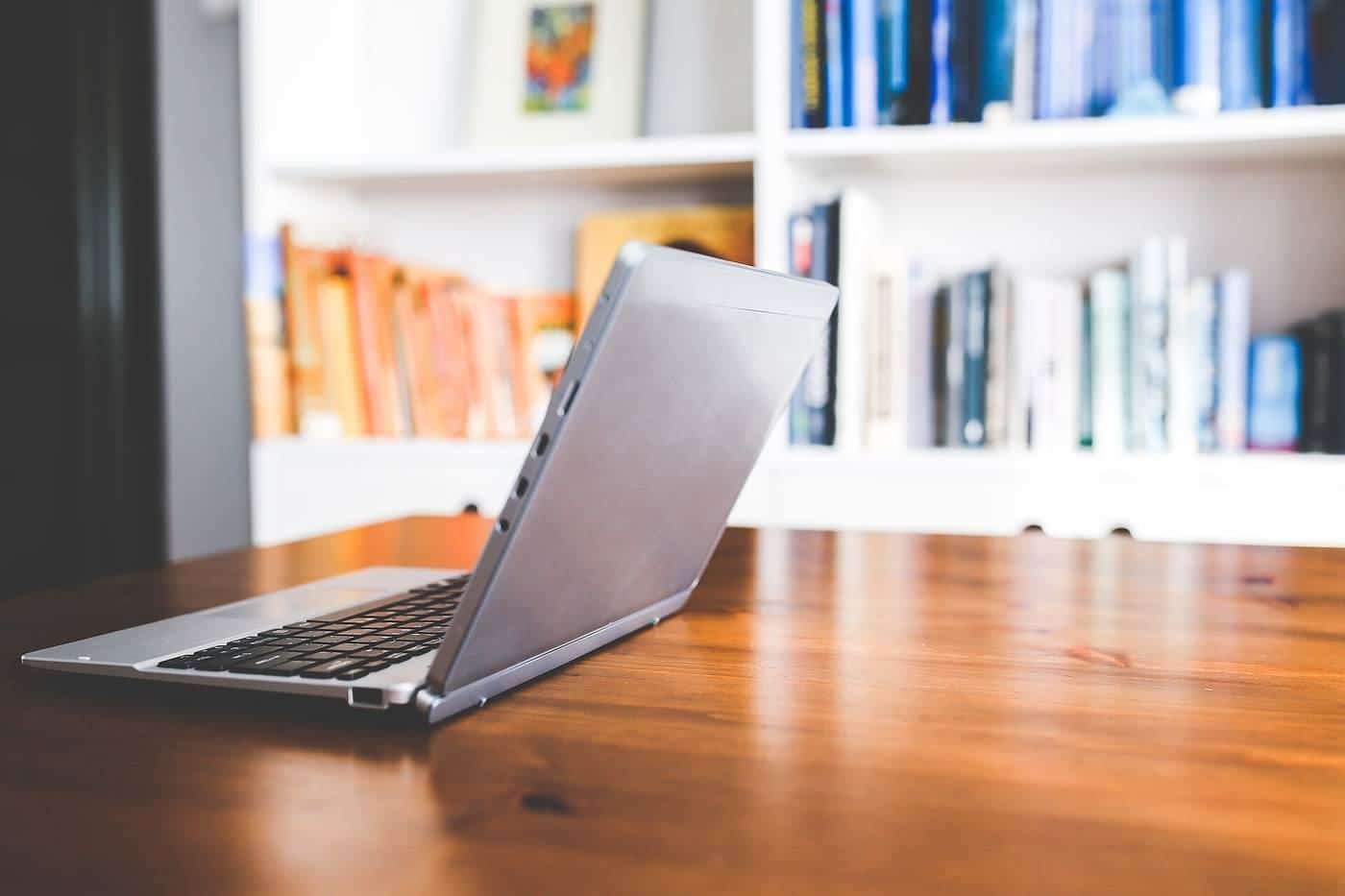
It notes laptops aren't recommended for prolonged use, and suggests a laptop stand. See our monitors and laptops guide.
Lighting
Combine natural and artificial light. A desk lamp can light paperwork without lighting the screen. Avoid sitting with a bright window directly behind or in front of your screen.
Cables and electrical safety
Safe Work Australia's infographic includes electrical cords and cables neat and safely stored, power outlets and boards not overloaded, and equipment in good condition. Route cables away from walkways to avoid trips, and use a cable tray under the desk.
Wellbeing
WorkSafe Victoria's checklist also covers wellbeing when working from home, such as keeping regular hours, taking breaks and staying connected with colleagues. Safe Work Australia's infographic encourages regular breaks and varying positions frequently, and switching off at the end of the day. Keeping work in one area helps separate work and home life.
Talking to your employer
Employers have work health and safety duties for workers who work from home, so far as is reasonably practicable. Many employers have working from home policies, checklists or equipment allowances. If your setup is causing discomfort, talk to your employer.
Tax
If you work from home, you may be able to claim some expenses, including the decline in value of a desk and chair used for work. See our tax guide.
Home office on a budget
If budget is tight, prioritise: an adjustable chair first, then a way to raise your screen (a stand or books under a laptop), then a separate keyboard and mouse. A footrest can be simple, as long as it's stable and large enough. Upgrade the desk later. Check whether your employer provides equipment or an allowance.
Noise and video calls
For frequent calls, a headset reduces neck strain from holding a phone, as Safe Work Australia's infographic notes. Position your desk so you're not backlit by a window on video calls, and use a soft lamp in front of you. Soft furnishings such as rugs and curtains reduce echo.
Try the desk height checker
Our free desk height checker lets you enter your seated and standing elbow heights, and optionally a desk's lowest and highest settings. It suggests where your desk surface should sit and whether the desk's range covers your heights, using the AS/NZS 4442 ranges that WorkSafe Victoria cites. It runs entirely in your browser, and nothing you enter is sent anywhere.
Where our information comes from
Factual statements in our guides are based on official and authoritative sources, including Safe Work Australia, WorkSafe Victoria, WorkSafe Queensland, the Australian Government Department of Health, the Australian Taxation Office and the ACCC. We link to each source at the end of the page and write everything in our own words. We don't invent statistics, prices or product test results, and we don't rank or review brands.
Everyone is different
Workstation guidance describes general principles that suit most people. Your body, your tasks and your space are unique, and what feels comfortable for one person may not suit another. Use the guidance as a starting point, adjust until you're comfortable and, if you have pain or a health condition, get advice from a health professional such as a physiotherapist or occupational therapist.
Small changes add up
You don't need to replace all your furniture to work more comfortably. Raising a screen, moving a keyboard closer, adding a footrest or standing for phone calls can each make a difference. Start with the change that addresses your biggest discomfort, then review your setup again after a week.
Workplaces and employers
Employers have duties under work health and safety laws to manage risks to workers, including from workstations and from too much sitting or standing, so far as is reasonably practicable. That applies in offices and, in many cases, when people work from home. If your workstation isn't working for you, talk to your manager or health and safety representative.
Corrections and feedback
We review our guides against their sources and show the date each page was last checked. If you notice something out of date or incorrect, such as a change to ATO rates or workplace guidance, please tell us through our contact page. We read every message and correct mistakes promptly.
About this site
Office Desks is an independent information site. We aren't a furniture retailer, manufacturer, ergonomist, government agency or tax adviser, and we don't sell furniture or recommend particular brands or shops. Our guides are general information, not health, legal or tax advice.
A short glossary
Sit-stand desk: a desk whose height can be raised and lowered so you can work sitting or standing. Desk converter: a platform on top of a desk that raises the screen and keyboard. Footrest: a stable, sloped platform for your feet when they don't reach the floor comfortably. Five-point base: a chair base with five castors or glides, the most stable design. Monitor arm: an adjustable bracket that holds a screen above the desk. AS/NZS 4442: the Australian and New Zealand standard for office desks, which WorkSafe Victoria cites for desk height ranges. Decline in value: the ATO term for claiming the cost of an asset over its effective life.
Key points
- A dedicated workspace with minimal distractions doesn't need to be a separate room.
- Choose a spot with good light, power and space, with the screen perpendicular to windows.
- An adjustable office chair is one of the most worthwhile purchases.
- Raise laptops and use a separate keyboard and mouse.
- Keep cables tidy, take breaks and talk to your employer about their arrangements.
Frequently asked questions
Does my home office need to be a separate room?
No. Safe Work Australia's infographic describes a dedicated workspace with minimal distractions, which can be a corner of a room.
Can I work from the kitchen table?
For short periods, yes, but kitchen tables are often too high and chairs aren't adjustable. Use a cushion, footrest, laptop stand and separate keyboard if you must.
What does a good home office checklist cover?
WorkSafe Victoria's working from home checklist covers the work surface, chair, desk, keyboard and mouse, monitor, laptop use, environment and wellbeing.
Is my employer responsible for my home office?
Employers have work health and safety duties for workers working from home, so far as is reasonably practicable. Talk to your employer about their working from home arrangements.
Sources and further reading
Facts on this page were checked against these primary and official sources. Conditions change — confirm before you travel or buy.
- Working from home safety and wellbeing checklist — WorkSafe Victoria
- Setting up your workstation (infographic) — Safe Work Australia
- Setting up your workstation — WorkSafe Queensland
- Office health and safety: working with computers, printers and telephones — WorkSafe Victoria