Choosing a desk is about more than style. Height, depth, leg room and stability decide whether you'll be comfortable for a full working day. These guides explain the main desk types, what to look for in a sit-stand desk, how to work out the size you need and how to judge build quality.
Guides in this section
- Types of office desks explained Fixed, sit-stand, converters, corner and compact desks.
- Sit-stand desks Height range, electric or manual, stability and using one well.
- Office desk sizes and space planning Height, depth, width and leg room.
- Desk materials, build quality and safety Tops, frames, stability and toppling furniture.
Height comes first
WorkSafe Victoria's workstation checklist says the desk surface should sit just below elbow height when you're seated. It explains that AS/NZS 4442:2018 recommends a seated adjustment range of at least 620 to 845 mm, and a range of 620 to 1200 mm for the main worktop of a sit-to-stand workstation. WorkSafe Queensland says a sit-stand desk should rise to at least 1200 mm to suit taller workers.
Depth and leg room
Safe Work Australia's workstation infographic says your screen should be about an arm's length away and directly in front. WorkSafe Victoria and WorkSafe Queensland suggest placing the keyboard about 10 to 15 cm from the front edge. Add these together and a shallow desk soon runs out of room. Leg room matters too: drawers, keyboard shelves and storage under the desk can stop you sitting close.
Fixed or adjustable?
A fixed desk at the right height, with an adjustable chair and footrest, can work well for one person. Adjustable desks suit people of different heights and make it easier to vary your posture. WorkSafe Victoria notes electric adjustment is most appropriate where desks are shared.
Build quality and safety
Test stability at the height you'll use, especially on sit-stand desks. Look for rounded edges and matte surfaces. The ACCC recommends anchoring furniture that can topple, such as hutches, bookcases and drawers.
Five things worth knowing
- Set up in order: chair first, then desk, then keyboard and mouse, then screen.
- Desk surface just below seated elbow height. If the desk is fixed, raise the chair and use a footrest.
- Screen about an arm's length away, directly in front, with eye level slightly below the top.
- Vary your posture. Too much sitting or too much standing is bad for your health, says Safe Work Australia.
- Desks and chairs used for work may be tax deductible, but only the work-related portion. Check the ATO.
A desk is part of a system
A desk on its own can't make you comfortable. It works together with your chair, footrest, screen, keyboard, mouse, lighting and the way you work. The best desk in the world won't help if the chair is too low or the screen is on the far corner. That's why our guides cover the whole workstation, from choosing a desk to setting it up and building movement into your day.
Common mistakes to avoid
A few mistakes come up again and again. Buying a desk that's too shallow for a monitor forces the screen too close. Working all day on a laptop flat on the desk pulls the head forward. Choosing a sit-stand desk without checking its height range leaves taller and shorter people uncomfortable. Standing all day swaps one static posture for another. And forgetting to anchor tall shelving or hutches creates a toppling risk at home. Each of these is easy to avoid once you know what to look for.
A quick buying checklist
- Measure your seated and standing elbow heights, and use the desk height checker.
- Check the desk's height range covers your heights.
- Check the depth allows your screen at about an arm's length plus the keyboard 10 to 15 cm from the edge.
- Check clear leg room under the top.
- Check width for your screens, equipment and writing space.
- Test stability at the height you'll use.
- Read the warranty, delivery and assembly terms.
Buying for an office
If you're buying desks for a workplace, Safe Work Australia's model Code of Practice on managing the work environment says workstations must suit the person and the task, and that workers must be consulted when carrying out a workstation assessment. Adjustable desks make it easier to meet the needs of different workers, including in shared and hot-desking arrangements.
About these guides
Office Desks is an independent information site about choosing and setting up office desks in Australia. We aren't a furniture retailer, manufacturer, ergonomist, government agency or tax adviser, and we don't sell furniture or review brands. Our guides are general information written in our own words, with official sources listed on every page. They're not health, legal or tax advice.
How we keep these guides current
We review each guide against its sources and show the date it was last checked. Workplace guidance and ATO rates are updated from time to time. If you notice something out of date, please tell us through our contact page, and we'll check and correct it.
Try the desk height checker
Our free desk height checker suggests where your desk surface should sit based on your elbow height, and checks a desk's adjustment range. It runs entirely in your browser, and nothing you enter is sent anywhere.
Guides in this section
Choosing
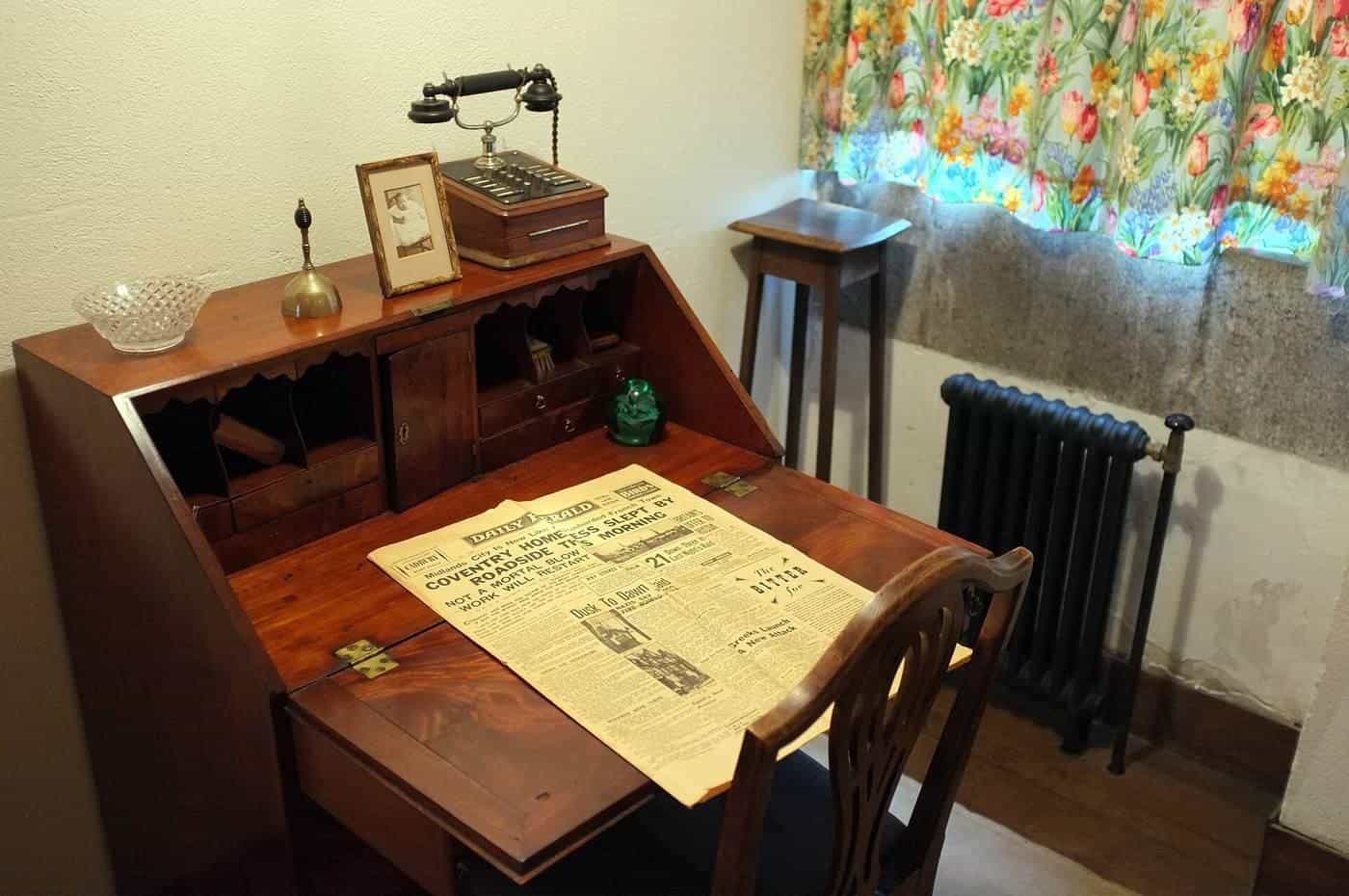
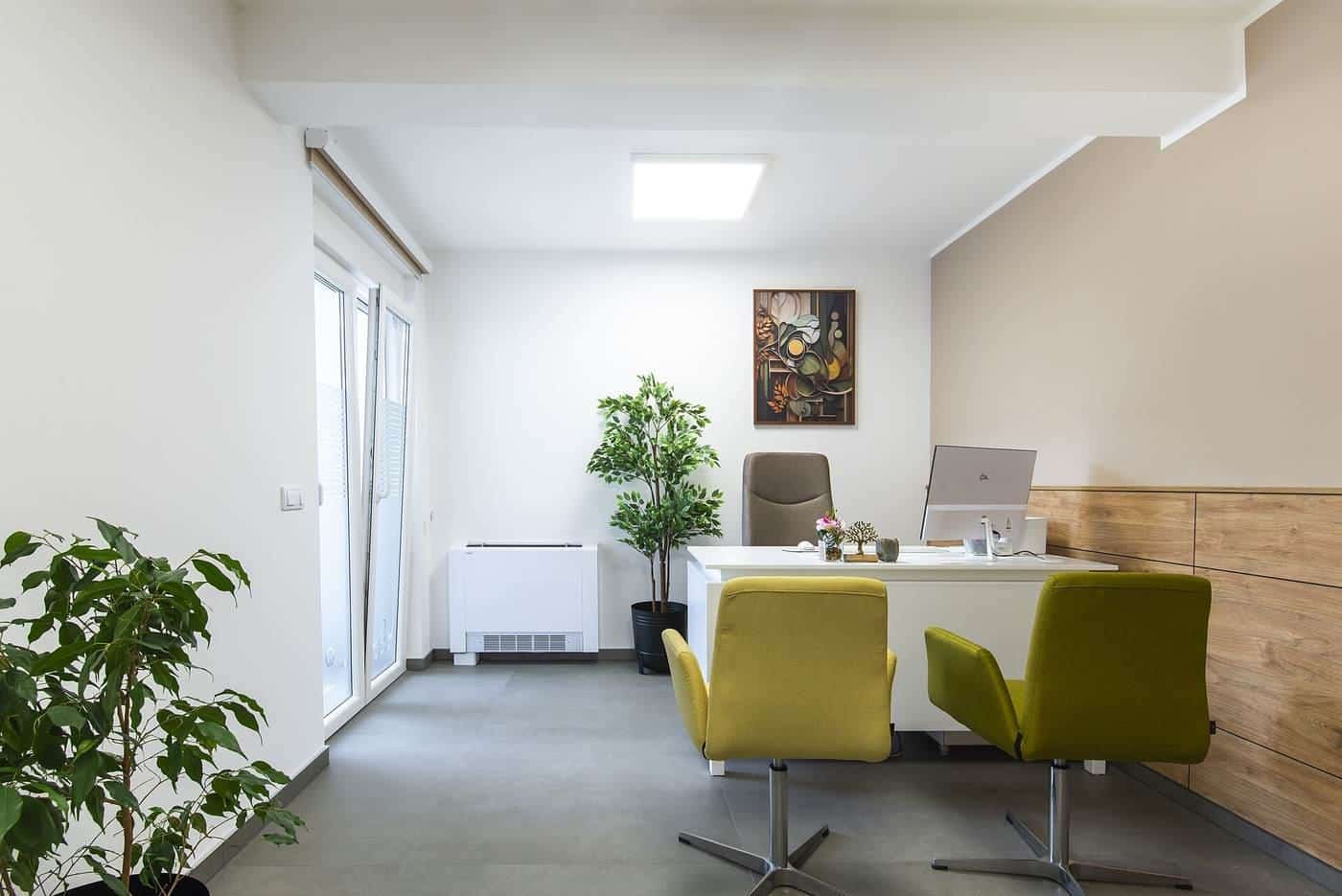
Types of office desks explained
Fixed desks, sit-stand desks, desk converters, corner and L-shaped desks, writing desks and benching: how the main office desk types compare.
Read · 6 min
Choosing
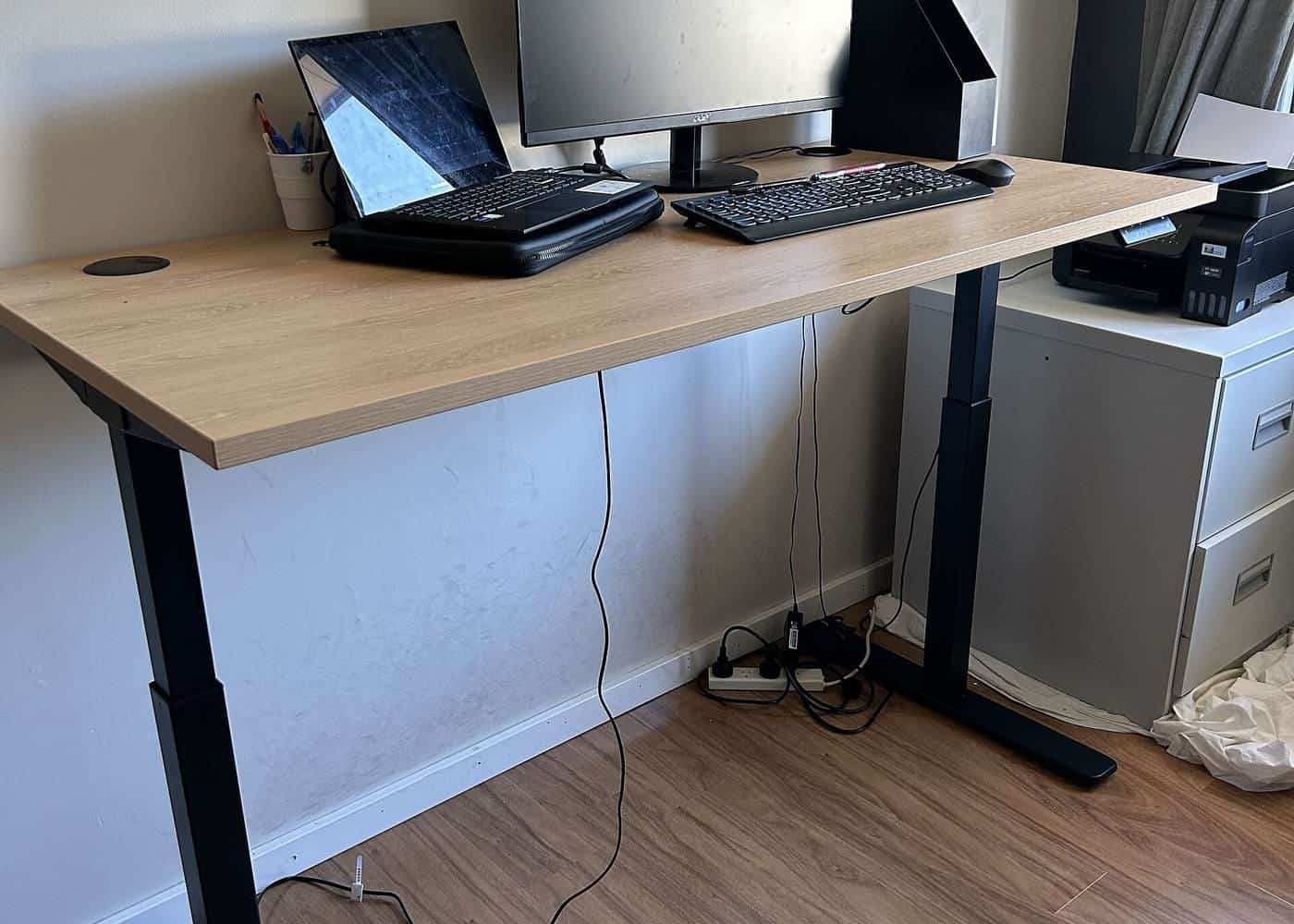
Sit-stand desks: what to know before you buy
How sit-stand desks work, the height range to look for, electric versus manual, stability, and how to use one well according to Australian guidance.
Read · 6 min
Choosing
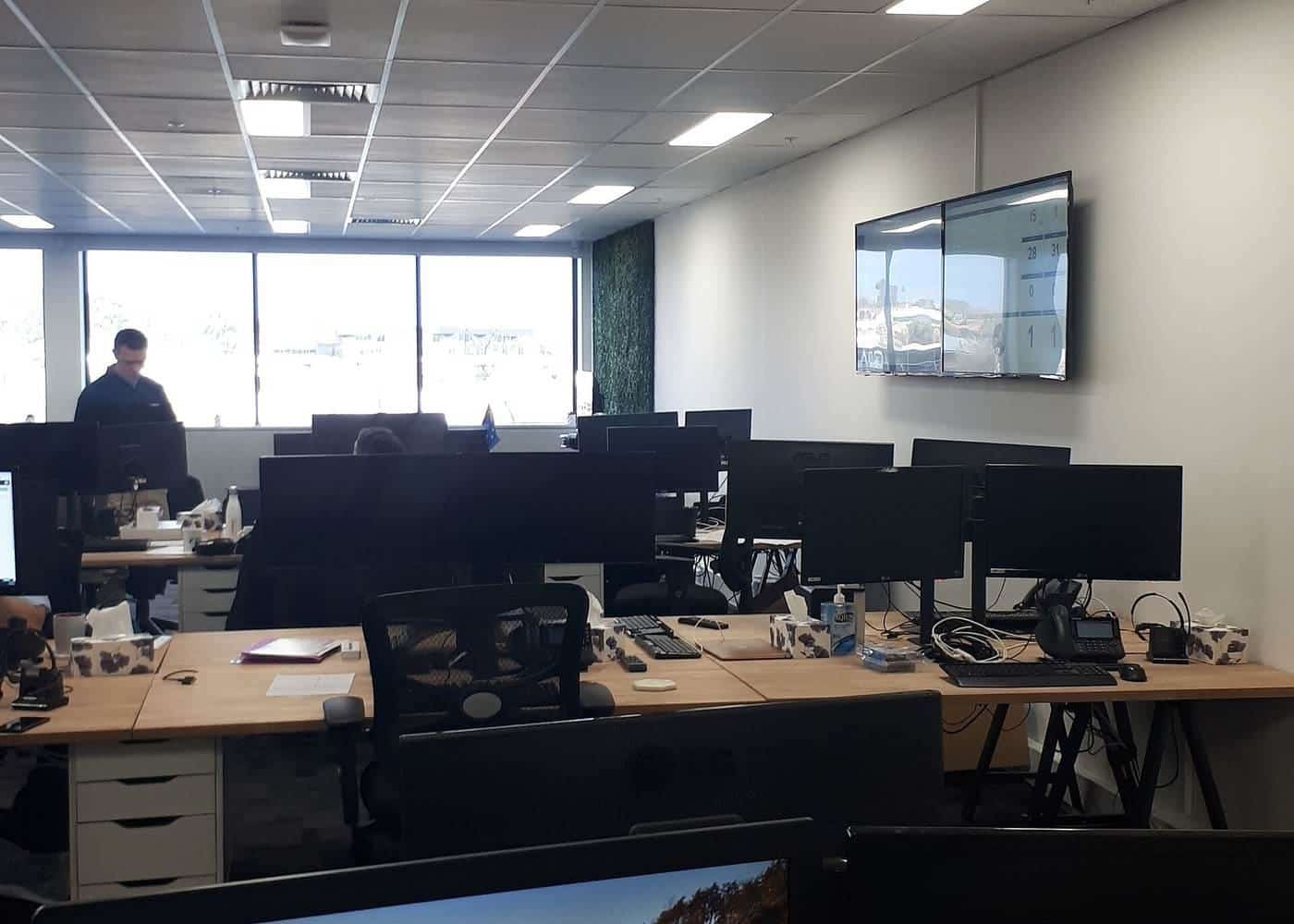
Office desk sizes and space planning
How big your office desk needs to be: width for equipment, depth for screen distance, height, leg room and space around the desk.
Read · 6 min
Choosing
Desk materials, build quality and safety
Timber, laminate, melamine, steel frames and glass: how desk materials compare, what makes a desk stable and safe, and checks before you buy.
Read · 6 min
Frequently asked questions
What is the best type of office desk?
It depends on your tasks, body and space. Height-adjustable desks suit people of different sizes, according to WorkSafe Victoria.
What height range should a sit-stand desk have?
WorkSafe Victoria says AS/NZS 4442 recommends 620 to 1200 mm for a sit-to-stand worktop.
How deep should a desk be?
Deep enough for your screen at about arm's length, with the keyboard 10 to 15 cm from the edge.
What if my new desk is faulty?
Under the Australian Consumer Law you're entitled to a repair, replacement or refund, as the ACCC explains.
Sources and further reading
Facts on this page were checked against these primary and official sources. Conditions change — confirm before you travel or buy.
- Office health and safety: office layout and design — WorkSafe Victoria
- Setting up your workstation — WorkSafe Queensland
- Setting up a workstation and working with computers (checklist) — WorkSafe Victoria
- Repair, replace, refund, cancel — ACCC