A well-chosen desk only helps if it's set up for you. These guides take you through setting up your workstation step by step, positioning monitors and laptops, choosing and adjusting a chair and footrest, and sitting less during the day.
Guides in this section
- How to set up your office workstation A step-by-step guide.
- Monitors and laptops Height, distance, glare, two screens and laptops.
- Office chairs and footrests Features, fit and adjustment.
- Sitting less at work Practical ways to move more.
Why setup matters
Safe Work Australia's workstation infographic notes that musculoskeletal disorders are Australia's leading cause of workers' compensation claims, and that a safe workstation setup can help manage the risk, along with eye strain and electrical hazards from poorly maintained equipment.
The basics
Safe Work Australia's infographic describes a backrest that supports the lower back, thighs angled slightly down, feet on the floor or a footrest, forearms angled slightly down to the keyboard with wrists neutral, the mouse within easy reach, eye level slightly below the top of the screen and the screen about an arm's length away, directly in front. It also covers lighting with glare minimised, tidy cables and regular breaks.
Move more
The Department of Health's guidelines recommend limiting sedentary time and breaking up long periods of sitting as often as possible. Safe Work Australia suggests standing for calls and reading, standing or walking in meetings and walking to talk to colleagues.
Laptops
WorkSafe Victoria's working from home checklist notes laptops aren't recommended for prolonged use without a stand. Raise the laptop and use a separate keyboard and mouse.
Five things worth knowing
- Set up in order: chair first, then desk, then keyboard and mouse, then screen.
- Desk surface just below seated elbow height. If the desk is fixed, raise the chair and use a footrest.
- Screen about an arm's length away, directly in front, with eye level slightly below the top.
- Vary your posture. Too much sitting or too much standing is bad for your health, says Safe Work Australia.
- Desks and chairs used for work may be tax deductible, but only the work-related portion. Check the ATO.
A desk is part of a system
A desk on its own can't make you comfortable. It works together with your chair, footrest, screen, keyboard, mouse, lighting and the way you work. The best desk in the world won't help if the chair is too low or the screen is on the far corner. That's why our guides cover the whole workstation, from choosing a desk to setting it up and building movement into your day.
Common mistakes to avoid
A few mistakes come up again and again. Buying a desk that's too shallow for a monitor forces the screen too close. Working all day on a laptop flat on the desk pulls the head forward. Choosing a sit-stand desk without checking its height range leaves taller and shorter people uncomfortable. Standing all day swaps one static posture for another. And forgetting to anchor tall shelving or hutches creates a toppling risk at home. Each of these is easy to avoid once you know what to look for.
A two-minute check
Sit at your desk and check: feet flat on the floor or a footrest; lower back supported; shoulders relaxed; elbows close to your body and just above the desk; wrists straight; keyboard 10 to 15 cm from the edge with the mouse beside it; screen directly ahead about an arm's length away, with eye level slightly below the top; no glare from windows. Fix one thing at a time and check again.
When to get help
If you have ongoing discomfort after adjusting your setup, talk to your employer, who may arrange a workstation assessment, and see a health professional such as a physiotherapist or occupational therapist. Safe Work Australia's model Code of Practice says workers must be consulted when a workstation assessment is carried out.
Sit-stand desks and setup
If you use a sit-stand desk, set it up the same way standing as sitting. WorkSafe Queensland says the desktop should be level with your elbow when standing and that you may need to adjust your monitor when moving from sitting to standing.
About these guides
Office Desks is an independent information site about choosing and setting up office desks in Australia. We aren't a furniture retailer, manufacturer, ergonomist, government agency or tax adviser, and we don't sell furniture or review brands. Our guides are general information written in our own words, with official sources listed on every page. They're not health, legal or tax advice.
How we keep these guides current
We review each guide against its sources and show the date it was last checked. Workplace guidance and ATO rates are updated from time to time. If you notice something out of date, please tell us through our contact page, and we'll check and correct it.
Try the desk height checker
Our free desk height checker suggests where your desk surface should sit based on your elbow height, and checks a desk's adjustment range. It runs entirely in your browser, and nothing you enter is sent anywhere.
Guides in this section
Set-up
How to set up your office workstation
A step-by-step guide to setting up your desk, chair, screen, keyboard and mouse, based on Safe Work Australia and WorkSafe guidance.
Read · 6 min
Set-up
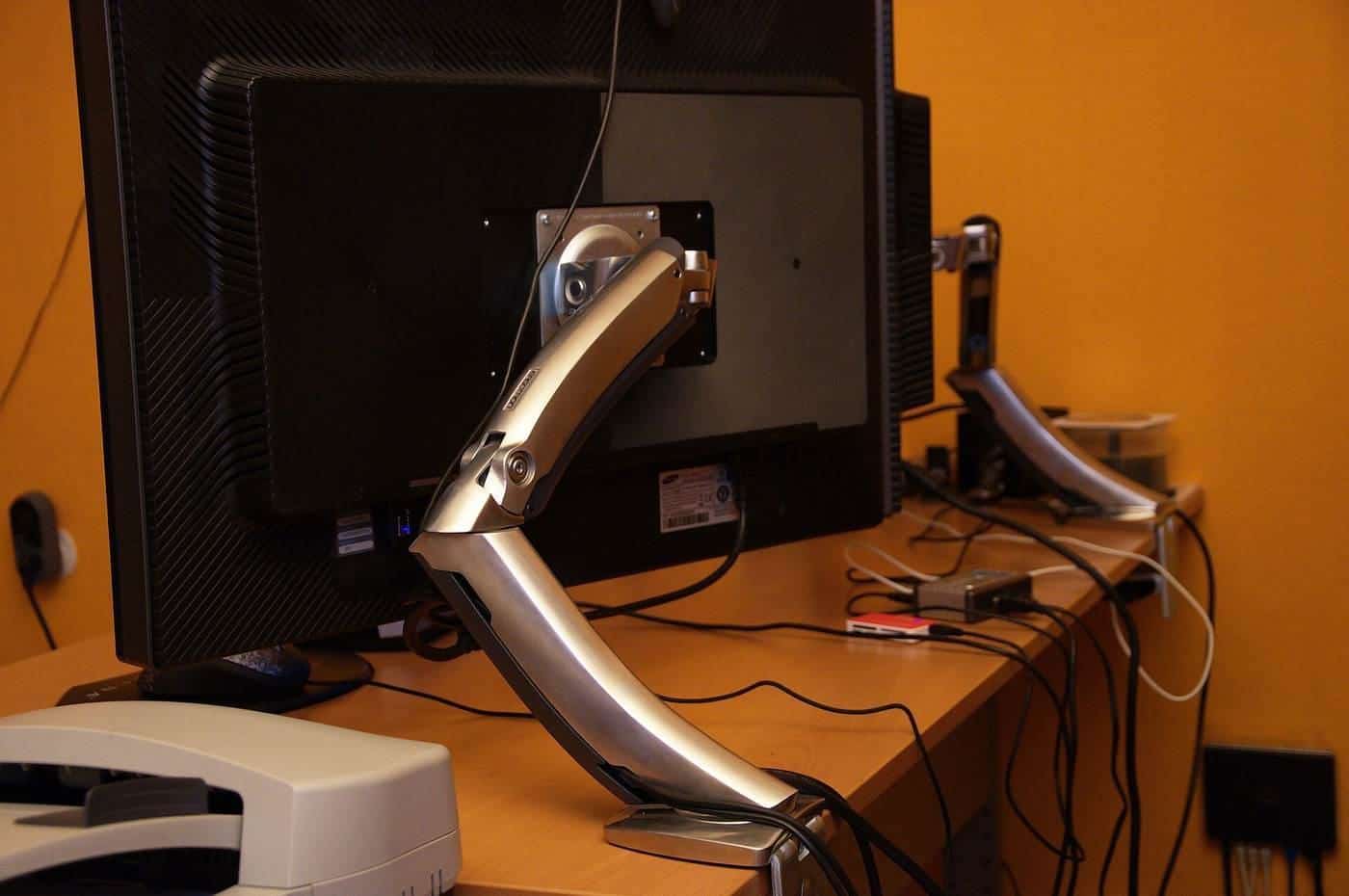
Monitors and laptops: positioning your screen
How to position a monitor or laptop: screen height and distance, glare, dual monitors, laptop stands and external keyboards, from WorkSafe guidance.
Read · 6 min
Set-up
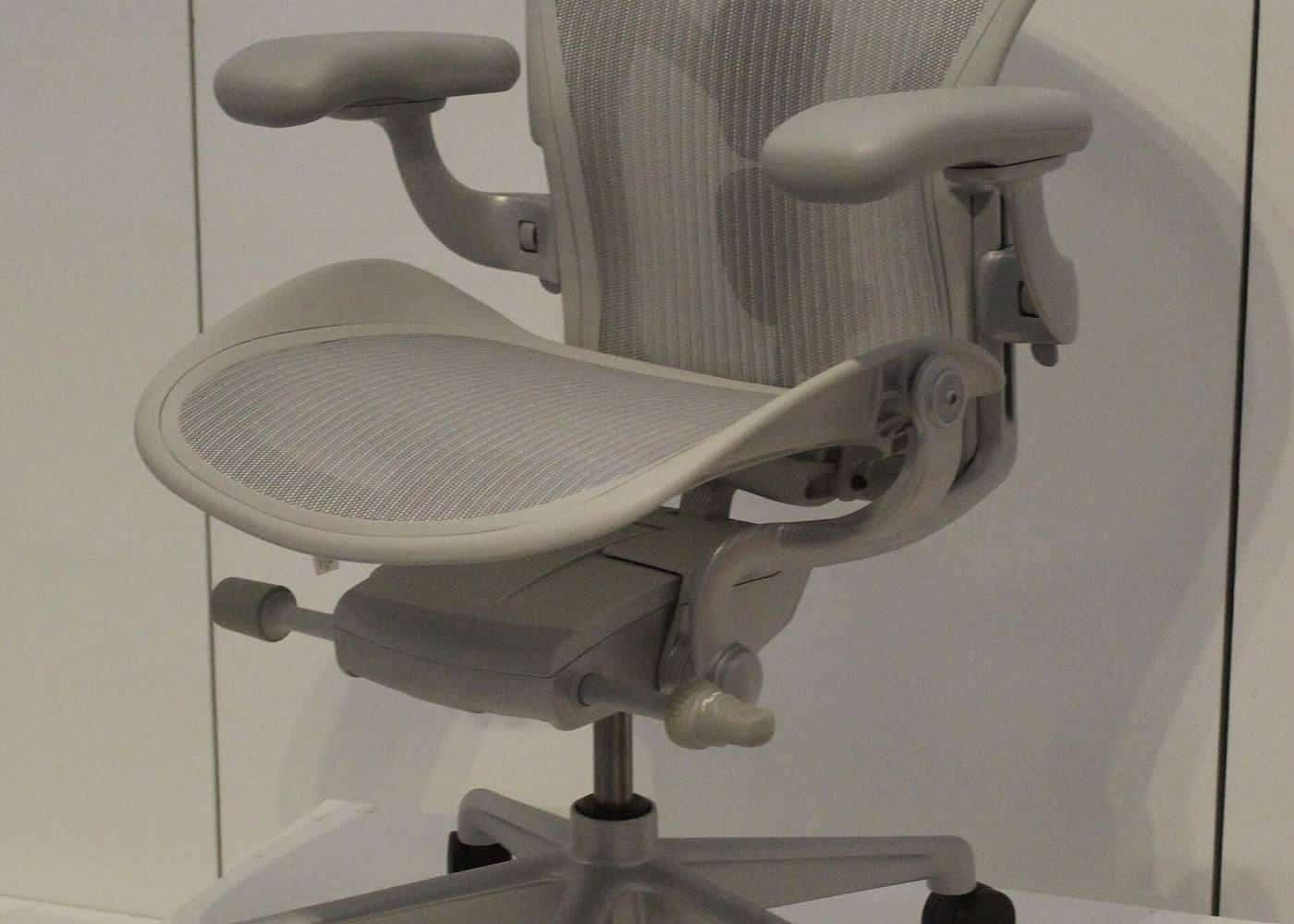
Office chairs and footrests: what to look for
What to look for in an office chair and footrest: seat height, backrest, five-point base, armrests, castors and fitting them to your desk.
Read · 6 min
Set-up
Sitting less at work: practical ideas
Why breaking up sitting matters, what Australian guidelines recommend and practical ways to move more during the working day.
Read · 6 min
Frequently asked questions
What order should I set up my workstation in?
Chair first, then desk height, then keyboard and mouse, then screen, as WorkSafe Victoria suggests adjusting screens after chair and desk heights.
How high should my monitor be?
Safe Work Australia says eye level slightly below the top of the screen, about an arm's length away.
What should an office chair have?
Safe Work Australia says seat height, backrest height and tilt adjustment, and a stable five-point base.
How often should I change position?
WorkSafe Queensland suggests aiming to change posture about every 30 minutes at a sit-stand desk.
Sources and further reading
Facts on this page were checked against these primary and official sources. Conditions change — confirm before you travel or buy.
- Setting up your workstation (infographic) — Safe Work Australia
- Office health and safety: working with computers, printers and telephones — WorkSafe Victoria
- Model Code of Practice: Managing the work environment and facilities — Safe Work Australia
- Recommendations for adults (18 to 64 years) — Australian Government Department of Health, Disability and Ageing
- Setting up your workstation — WorkSafe Queensland